AI Assistant
Get intelligent portfolio analysis, trade suggestions, and answers to your options trading questions with the built-in AI assistant.
The AI Assistant helps you analyze your portfolio, understand your positions, and get actionable trading insights. It has full context of your trades, positions, and market data.
Opening the AI Assistant
Access the AI Assistant from multiple places:
- Dashboard Hero - Type a question in the input field on your dashboard
- AI Panel - Click the bot icon in the navigation to open the chat panel
- Inline Suggestions - Click on AI-generated suggestions throughout the app
What Can You Ask?
The AI Assistant understands your portfolio context and can help with:
Portfolio Analysis
- "Analyze my current portfolio risk"
- "What's my total delta exposure?"
- "Which positions have the highest theta decay?"
- "Summarize my open positions"
Trade Suggestions
- "What covered calls could I write on my AAPL shares?"
- "Which puts should I consider rolling?"
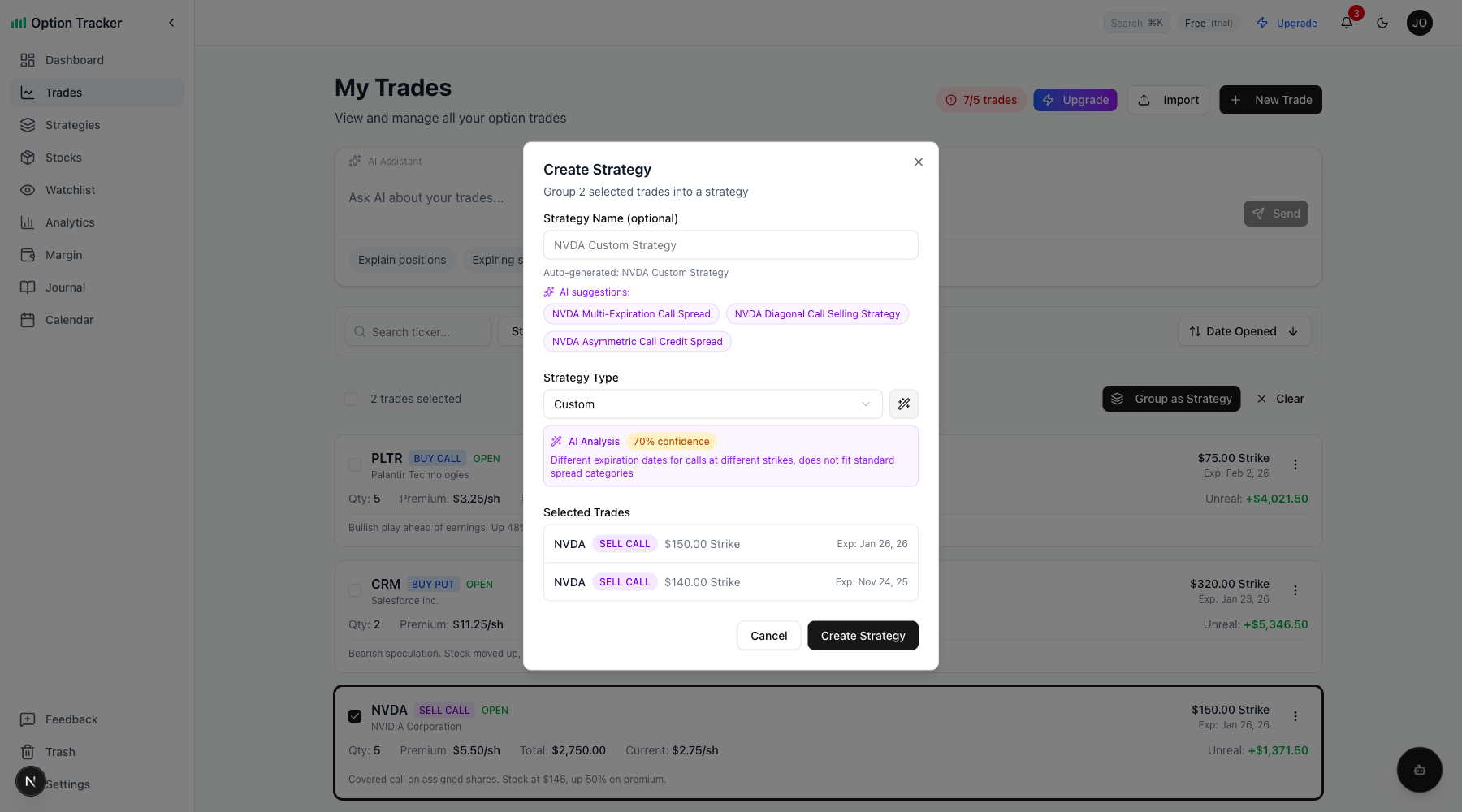
- "What's a good strike for selling puts on NVDA?"
Greeks Analysis
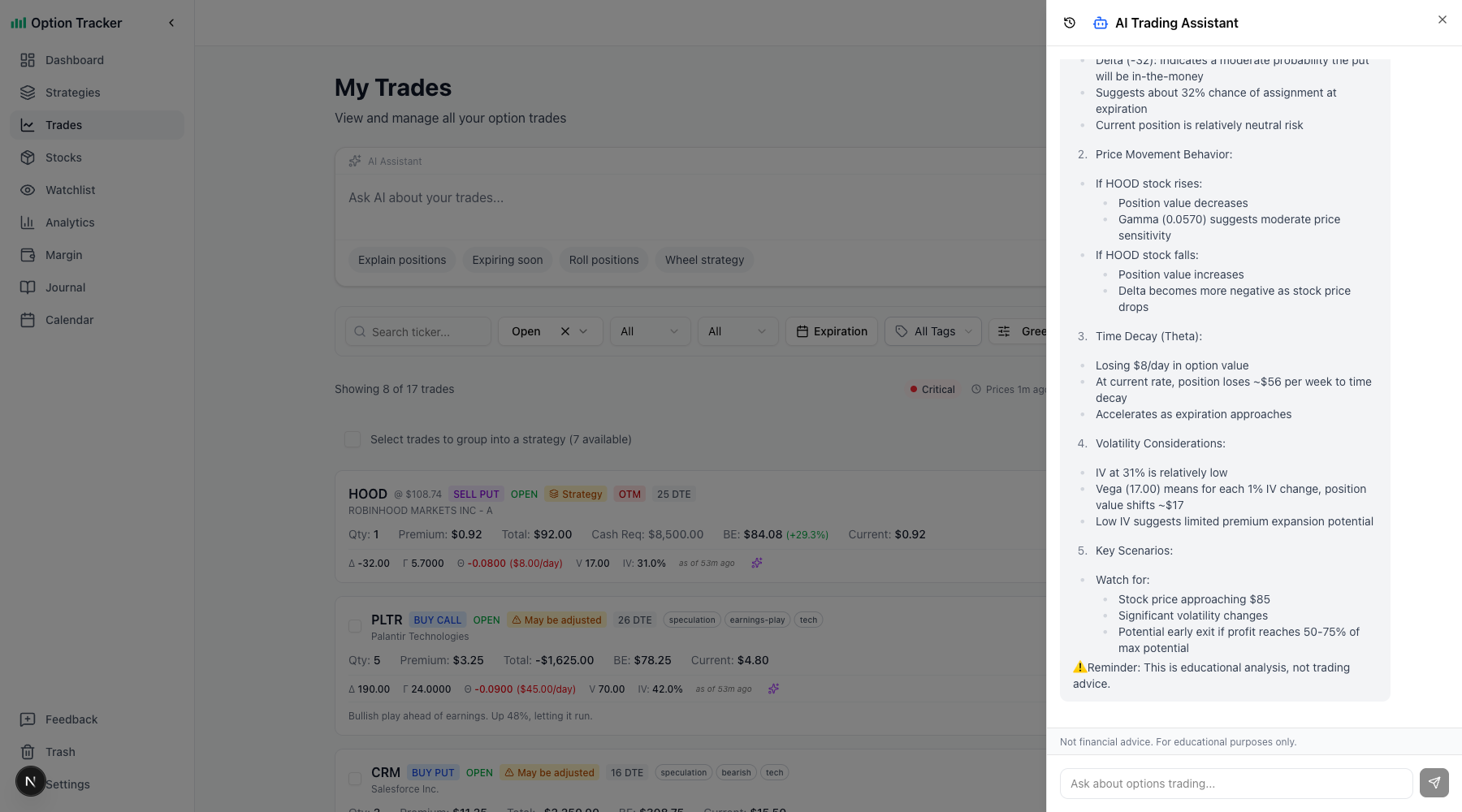
- "Analyze my Greeks exposure"
- "Which trades are most sensitive to volatility?"
- "What's my portfolio's net delta?"
Trade History
- "How did my trades perform last month?"
- "What's my win rate on puts vs calls?"
- "Show me my best performing strategies"
Learning & Education
- "Explain theta decay"
- "What's the difference between delta and gamma?"
- "How does the wheel strategy work?"
Chat Sessions
Your conversations are saved as chat sessions:
- Session History - Access previous conversations from the history sidebar
- Continue Conversations - Pick up where you left off
- Context Preserved - The AI remembers the conversation context
Starting a New Session
Click "New Chat" to start a fresh conversation. Previous sessions remain accessible in the history.
Account Filtering
When you have multiple accounts, the AI respects your account filter:
- Questions about "my portfolio" use the selected account(s)
- Switch accounts to analyze different portfolios
- Ask about specific accounts by name
Tips for Better Results
Be Specific
Instead of "analyze my trades," try:
- "Analyze my open NVDA positions"
- "What's the risk on my expiring trades this week?"
Ask Follow-ups
The AI maintains conversation context, so you can ask follow-up questions:
- "Show me my highest risk positions"
- "Why is that one risky?"
- "What should I do about it?"
Use for Decision Support
The AI provides analysis and suggestions, but always verify with your own research before making trading decisions.
AI-Powered Features
The AI assistant powers several features throughout the app:
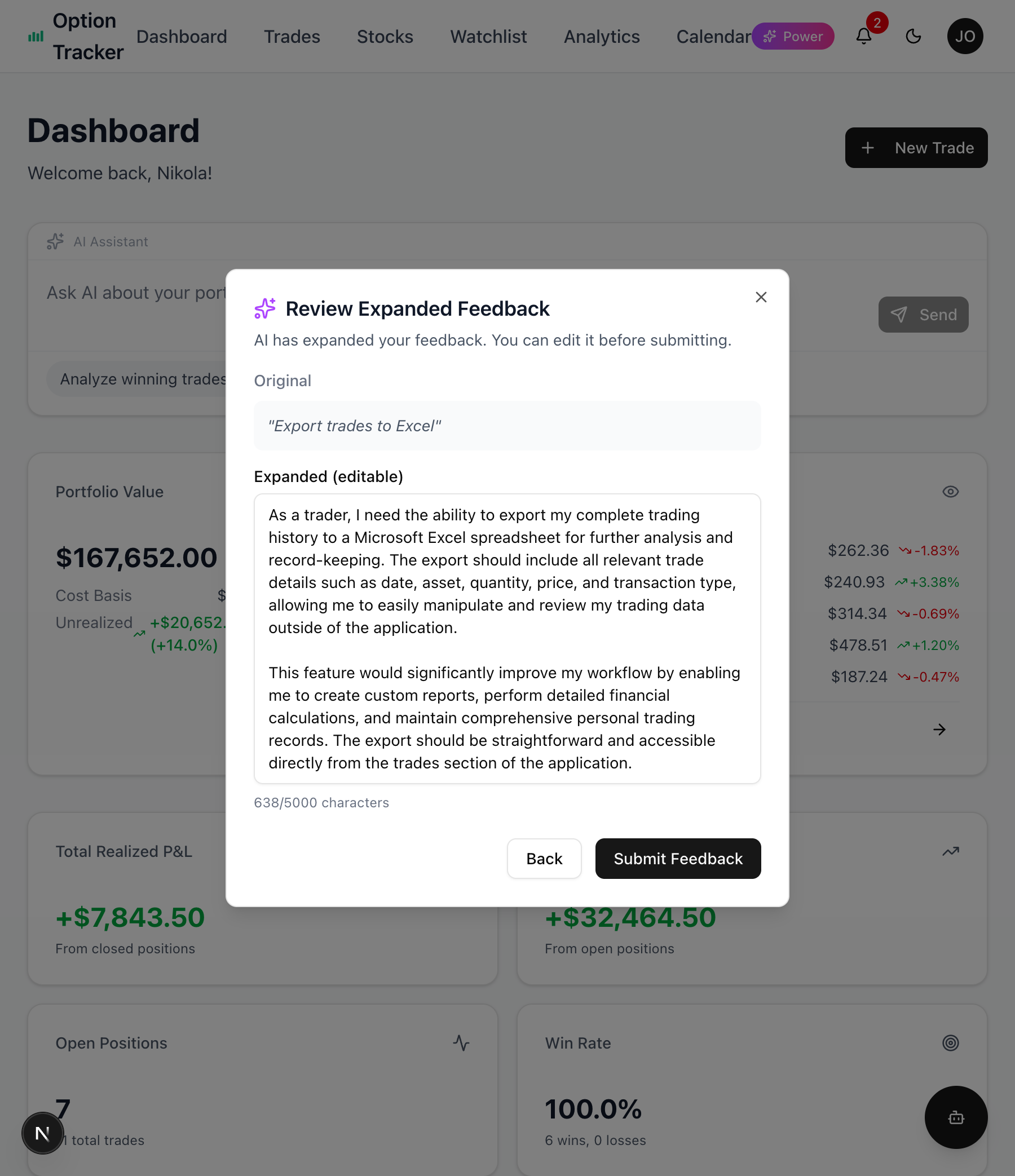
Feedback Assistant
When submitting feedback, the AI helps format your message and adds relevant context about your account.
Trade Entry Suggestions
Get AI-generated suggestions when entering new trades based on your portfolio and market conditions.
Daily Summary Emails
AI generates personalized commentary in your daily email summaries, highlighting key portfolio changes.
Limitations
- Real-time market data depends on data provider availability
- Greeks data requires valid OCC symbols on trades
- Historical analysis limited to trades in your account
- Not financial advice - use for informational purposes only
Next Steps
- Learn about Greeks Tracking for position analysis
- Explore Analytics for portfolio insights
- Check out Live Pricing for real-time data