Stay informed
A weekly summary of your book, where every number shows its source
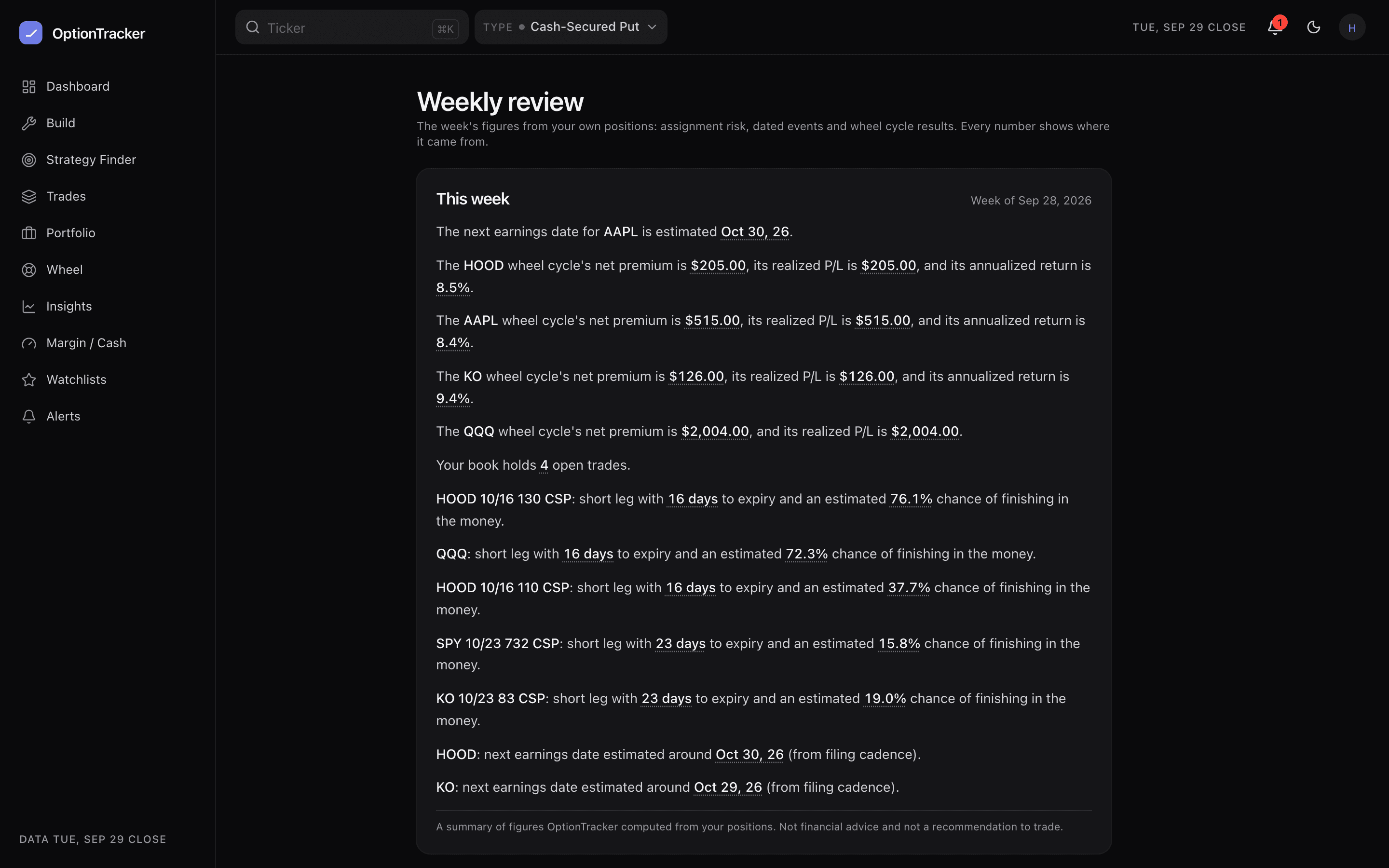
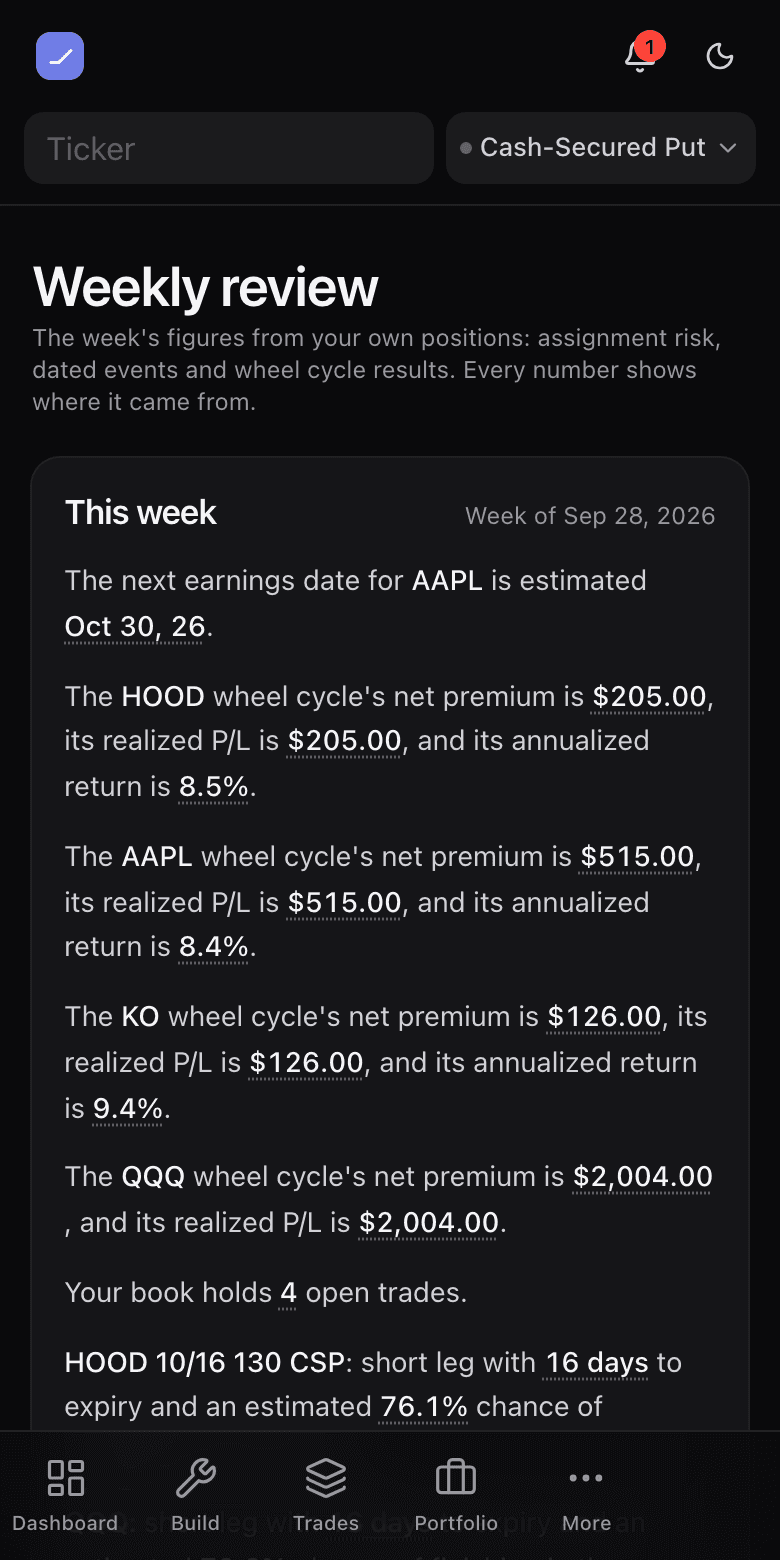
The weekly review is a short summary of the figures OptionTracker has already computed from your own positions: how likely each short leg is to finish in the money, what is coming up on your tickers, and how your wheel cycles are doing. Every number in it is a figure you can tap to see where it came from. It is part of Pro, and it is off until you turn it on.
Turn it on
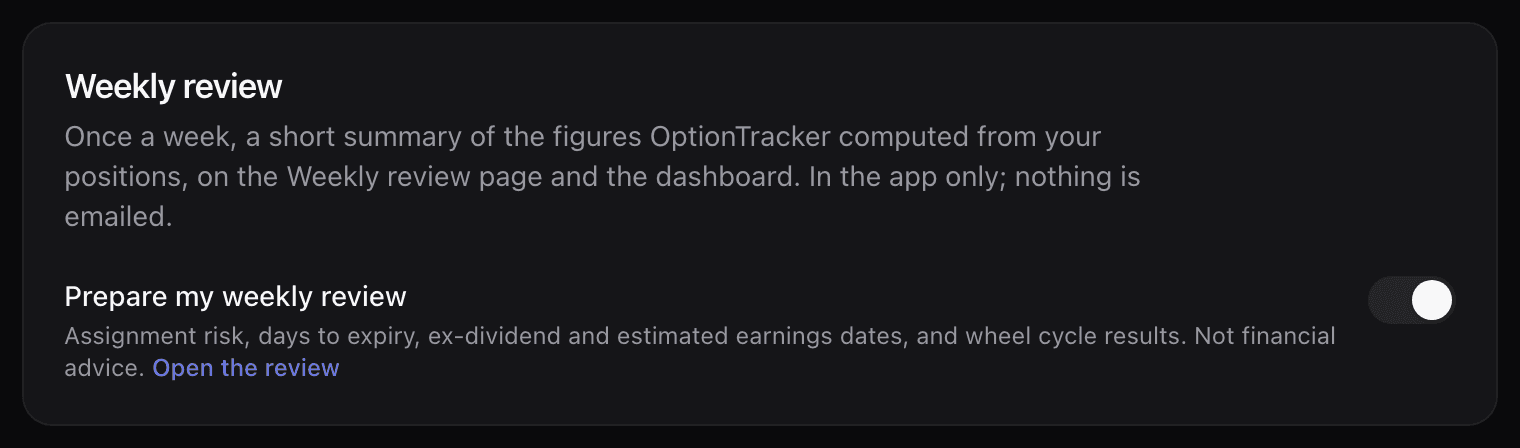
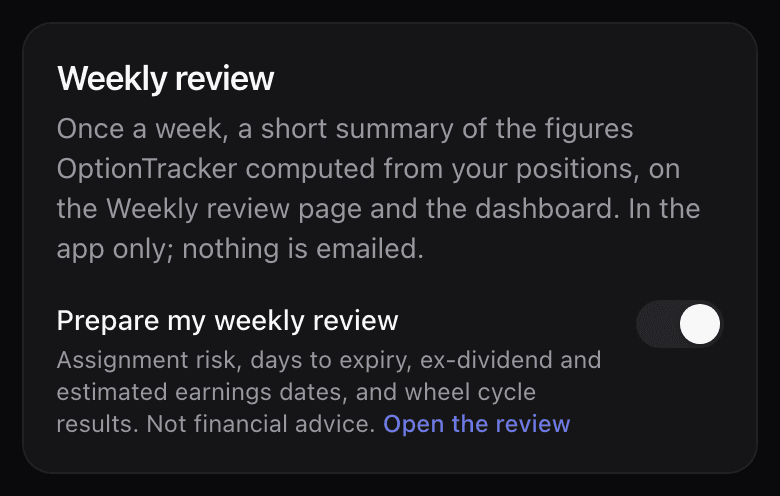
- Open Account and find Weekly review.
- Switch on Prepare my weekly review.
- Open Weekly review. The first time you open it in a week, it prepares that week’s review.
Weeks start on Monday at 00:00 UTC. A review is prepared once a week and then kept as it was, so it reads as a record of that week, not a live view. Your dashboard’s This week card shows its first few sentences, and the Weekly review page keeps up to eight earlier weeks below the current one. The review lives in the app only: nothing is emailed.
What it covers
- Your open short legs: days to expiry, and the estimated chance of finishing in the money, from the same model as the assignment-risk chips. A leg that cannot be priced gets no chance figure, never a guess.
- Early-assignment flags on short calls ahead of an ex-dividend date.
- Ex-dividend dates on your tickers, from declared dividends only.
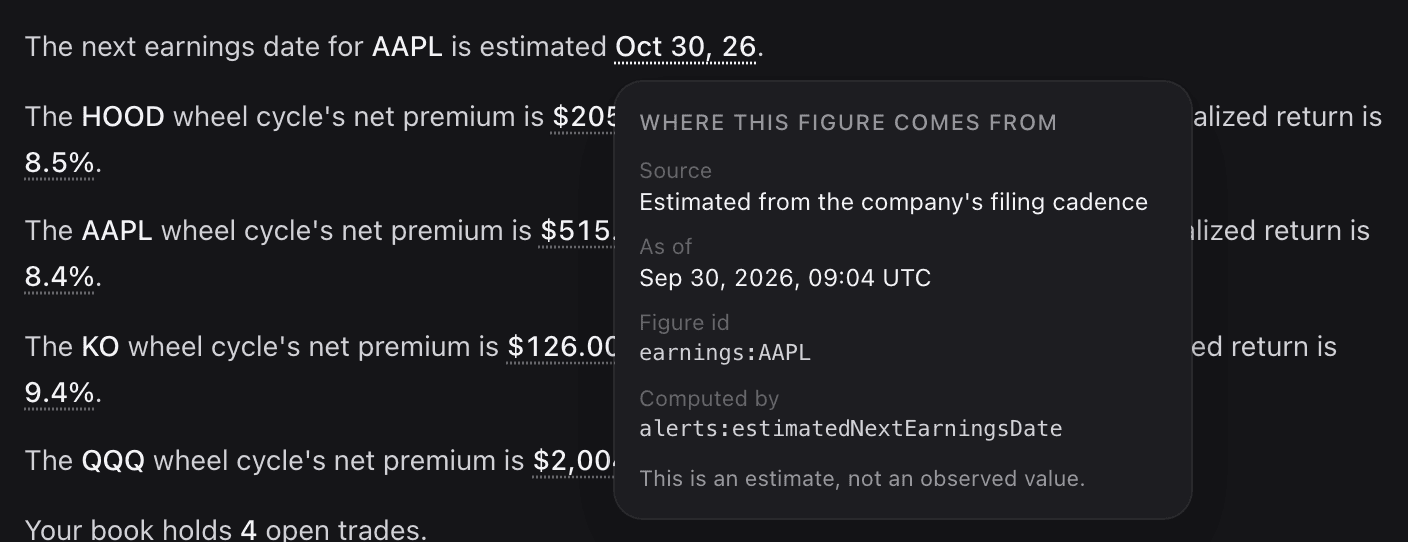
- Earnings dates, which are estimated from each company’s past filing dates, not taken from a published calendar. The review says so every time.
- Your wheel cycles: net premium, realized P/L and, where the cycle has run long enough, its annualized return. Cycles closed in the past week are included. How wheel cycles are counted.
- How many trades are open in your book.
Anything we cannot compute is left out, rather than shown as zero. With nothing open and nothing coming up, the review says there is nothing to review this week.
Where every number comes from
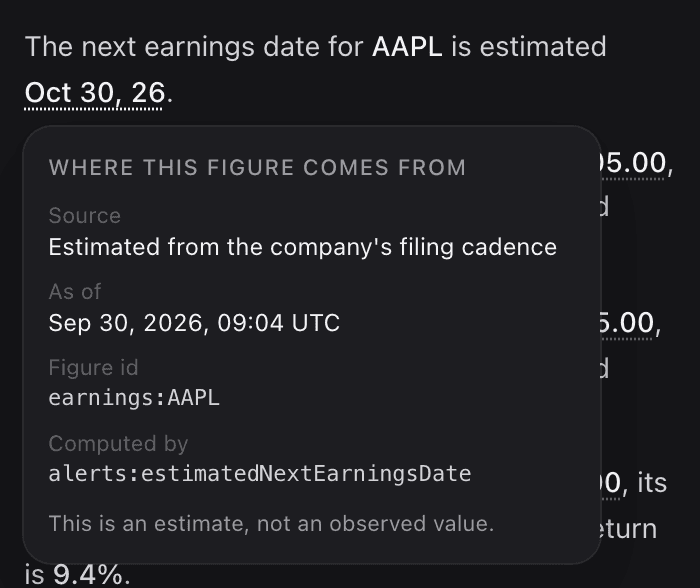
Every figure is computed and saved before any sentence is written, by the same code that draws the dashboard, the wheel page and the position cards. The sentences then point at those saved figures. Hover a number, or tap it on a phone, to see:
- Source: what computed it, for example assignment risk or your wheel cycle’s logged events;
- As of: the time the source’s data is from, when the source states one;
- Figure id and Computed by: the exact stored figure behind that number;
- whether it is an estimate rather than an observed value.
Who writes the sentences
The wording is usually written by an AI model, which never sees or writes a number. It is told what kind each figure is (a chance, a date, a premium) and given a rough word for it, such as low or high, but never the number itself or your ticker names. Every number and name on screen is filled in afterwards from the saved figure. The model’s text is also checked before it is kept: it may not contain digits, may only mention figures that exist, and may not suggest a trade. If it fails any check, the review uses fixed wording instead.
Reviews in fixed wording are labelled Summary (standard format). A large book can mix the two: the AI sentences first, then the rest of the figures in the standard format, so nothing is dropped for being one figure too many.
What it is not
A summary of figures OptionTracker computed from your positions. Not financial advice and not a recommendation to trade.
Every review carries that line. It describes the figures on your book; it does not tell you what to do with them. Ivy can read your saved reviews and answer questions about them, but she cannot write or regenerate one.