Stay informed
A morning brief and an evening recap, about your book
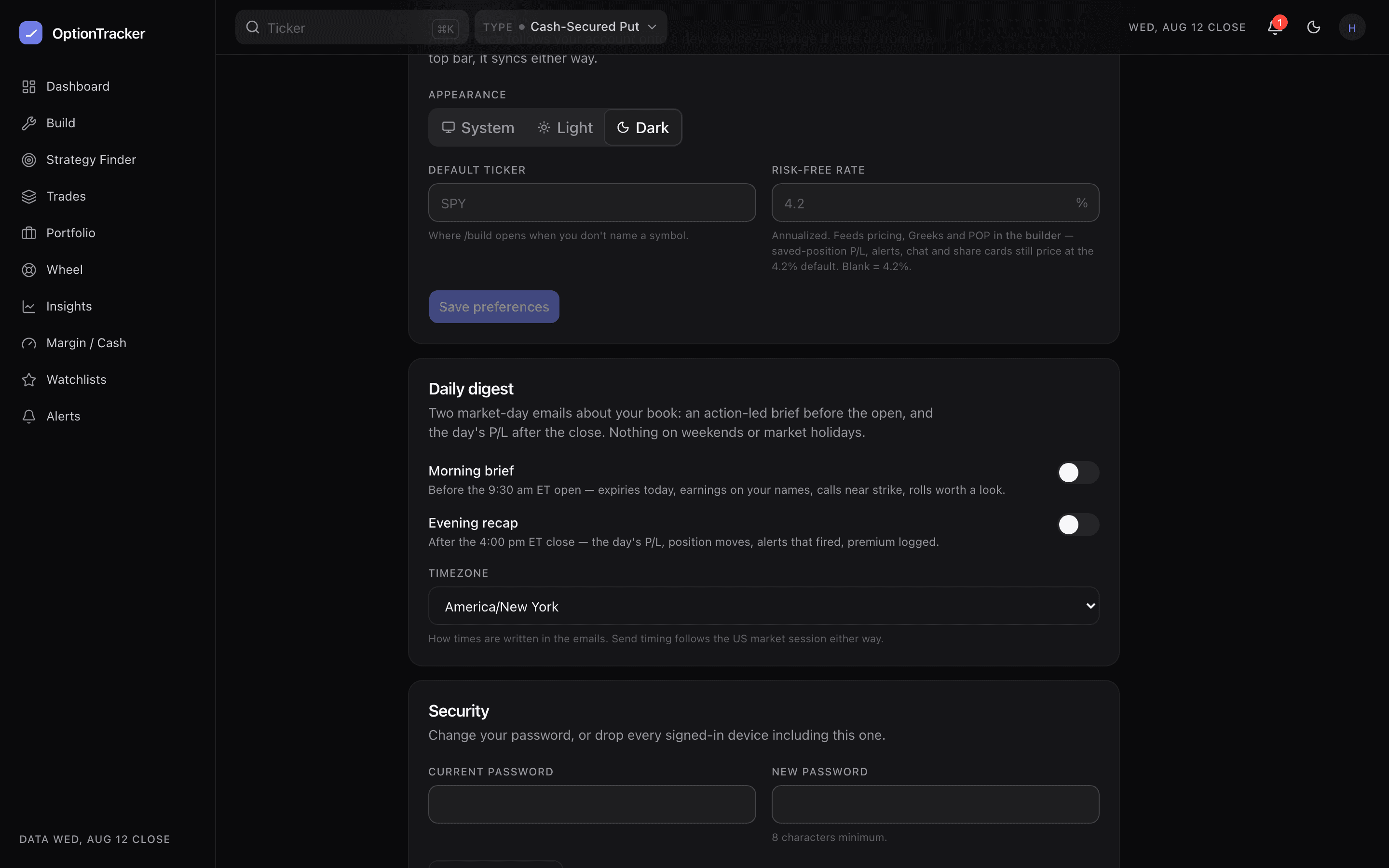
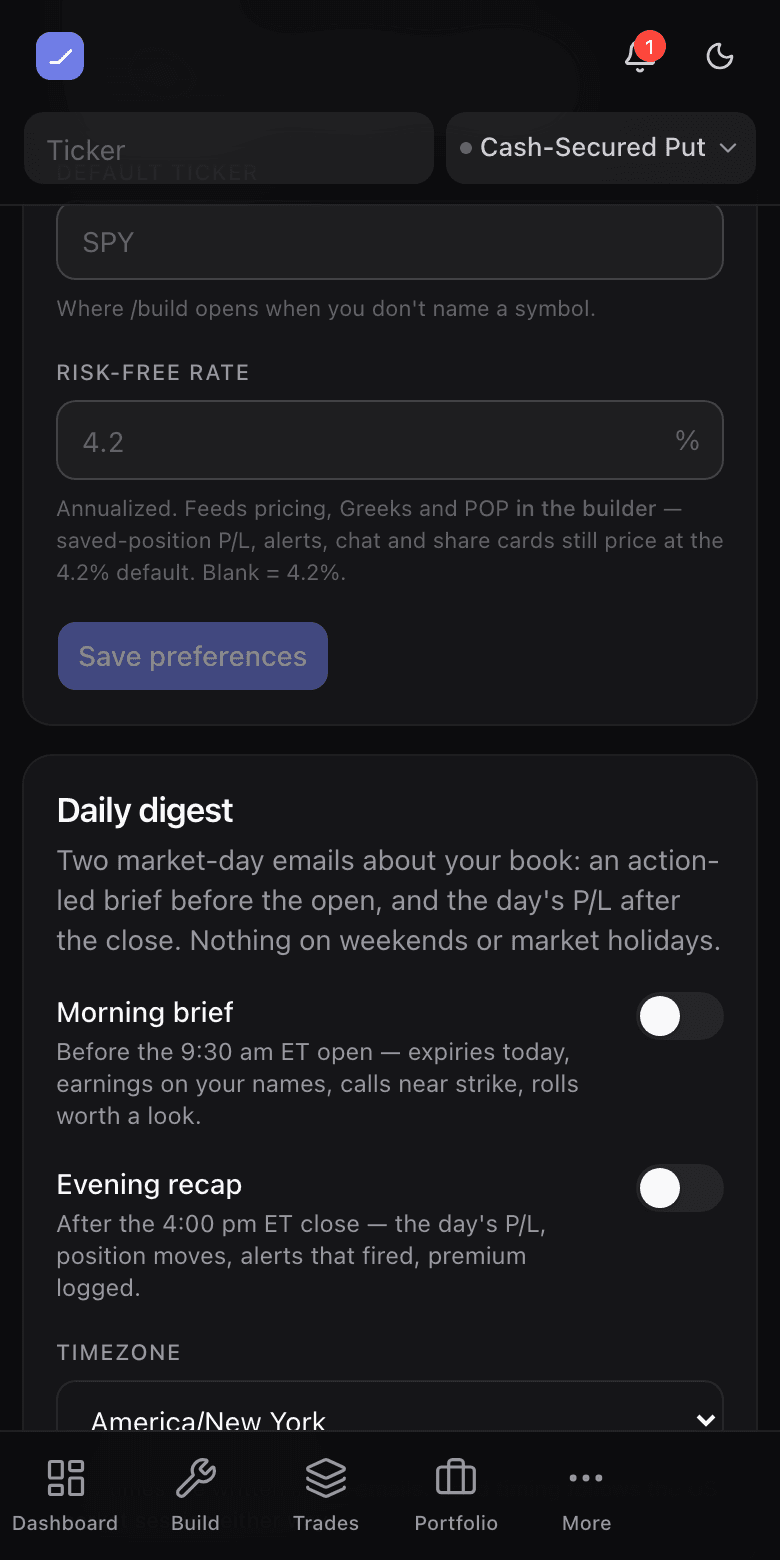
Screenshots from the live app, dark theme
Two emails a market day, both about your positions, both computed from the same engine the dashboard runs on. The morning brief is the pre-open scan you would do yourself; the evening recap is the close you did not have to sit through. Both are off until you turn them on.
The morning brief
Lands before the 9:30 ET open, and reads like a checklist:
- Expiries landing today — the positions that settle by the bell.
- Earnings on your names — anything you hold or watch reporting today.
- Covered calls near their strike — where call-away risk got real overnight.
- Rolls worth a look — short legs where the math says consider it.
- Margin in use — your latest reading, with its as-of date.
The evening recap
Lands after the close: the day’s P/L and the positions that moved it, alerts that fired, and the premium you logged today. Every number is the dashboard’s own figure — the email and the app can never tell two stories about one book.
Turning it on
- Open Account → Daily digest.
- Toggle each edition separately — morning, evening, or both.
- Pick your timezone. It changes how times are written in the email; send timing follows the US market session wherever you live.