Ivy & your account
Build trades and get answers, in the corner of every screen
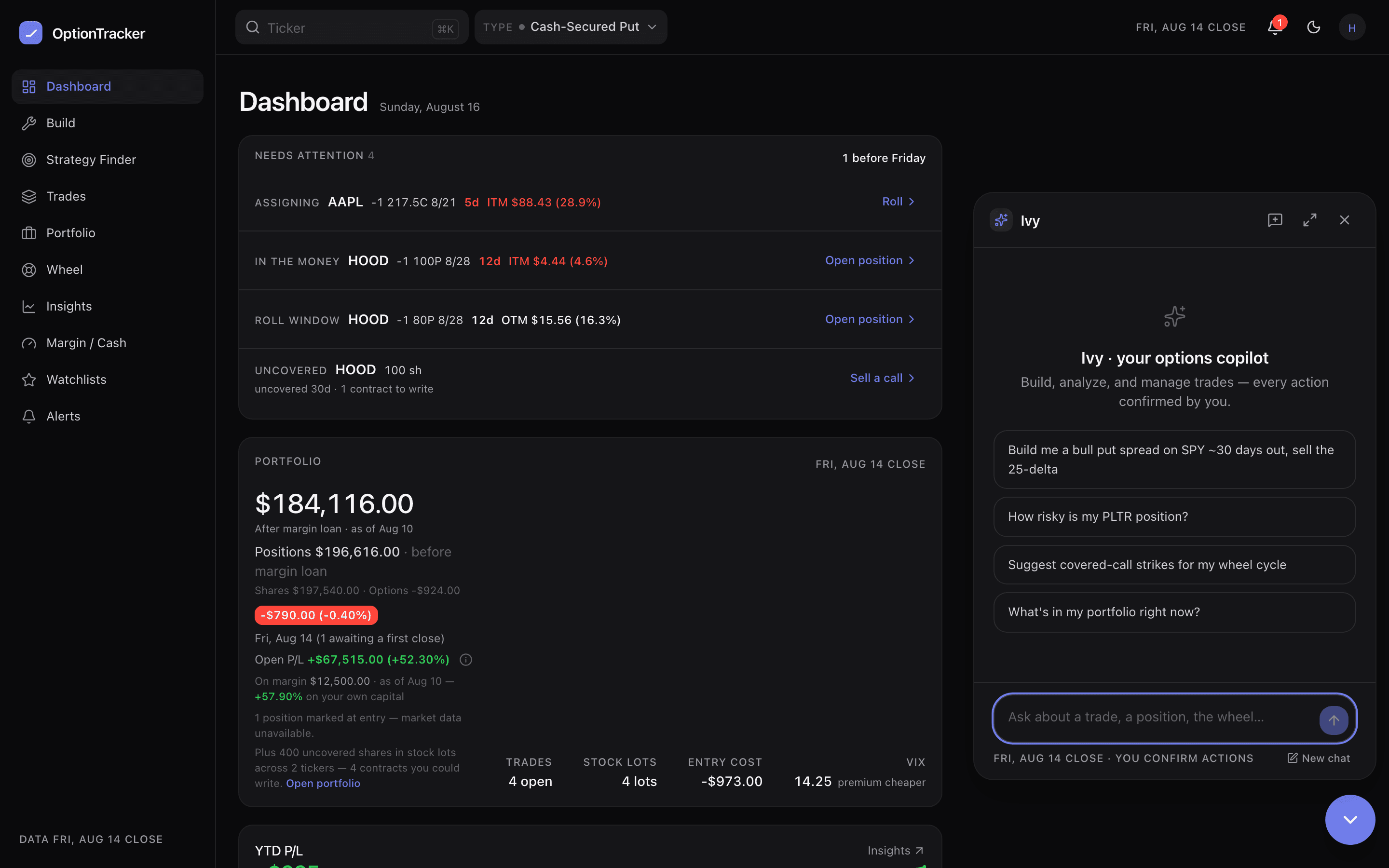
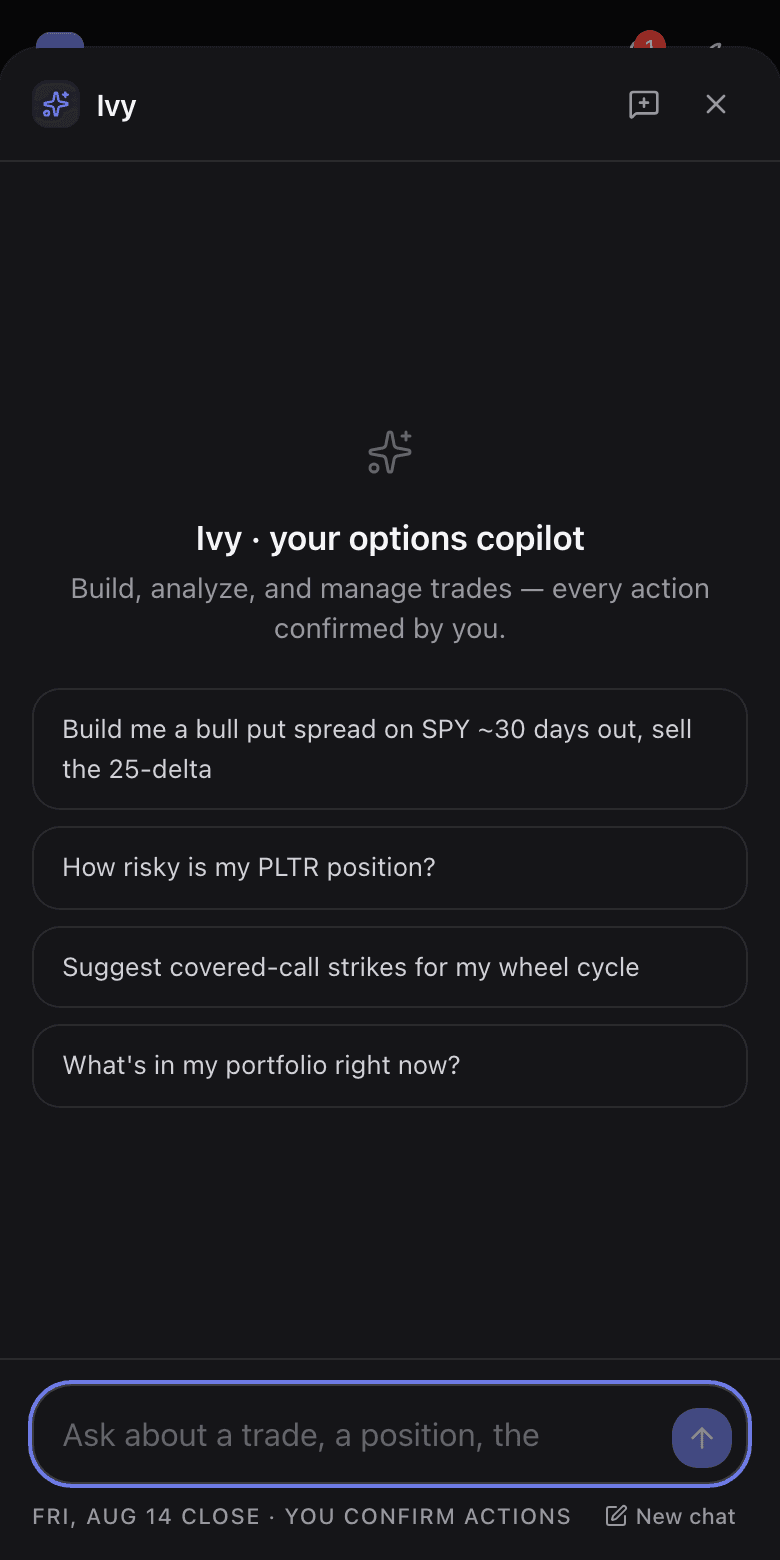
Ivy is the bubble in the bottom-right corner — an options-literate assistant wired into the same engine and the same delayed chain as the rest of the app. Ask her to build something (“sell a 30-delta CSP on KO about 30 days out”) and you land in the builder with real legs. Ask how anything works and she answers and walks you to the screen.
What is free, what is Pro
| Capability | Tier |
|---|---|
| How-do-I answers, walking you to the right screen | Free — even without an account |
| Quotes, chains, building strategies, analyzing ad-hoc legs | Free — even without an account |
| Reading your book: saved trades, portfolio, cycles, watchlists, alerts | Pro |
| Acting on it: saving, closing, logging wheel events, rolls, alert edits | Pro |
| Pricing a what-if on an open trade, and ranking your roll options | Pro |
| Applying a what-if to a live position | Never — that is yours, in Explore |
| The brokerage-screenshot import | Pro |
The boundary is enforced server-side, not by the chat window — asking nicely does not change it. Saving by hand in the UI works on every tier.
Two-phase actions: preview, then confirm
When Ivy does something to your book — save a trade, log an assignment, roll a call — the tool stages a preview card with Confirm and Cancel. Nothing is written until you press Confirm. She will tell you to review it; she will never claim something was saved when it was not.
What-ifs: she prices them, you apply them
Ask “what if I add a put at 55?” or “show me roll options” on a trade you hold and Ivy prices it against the real chain: what the change costs at today’s marks, what it does to your collateral, and how max profit, max loss, breakevens and chance of profit move before → after. Say the word and she keeps it as a what-if beside the trade — after you confirm. That is as far as a what-if goes: no tool of hers applies one, or rewrites a position’s legs, so turning a sketch into your real trade stays where it belongs — in Explore, behind your own confirm. Ask her to change a position outright and the honest boundary is narrower than “never”: she can close a saved trade, and record a covered-call roll on a wheel or CC cycle, each behind its own Confirm card. What she cannot do is apply the variant she just priced you.
She is also the help desk
Ivy knows every screen and flow in this help center. “How do I record an assignment?” gets the answer, a link to the right screen, and — where more depth helps — a pointer to the full article here. If she cannot resolve something, send feedback and a human reads it.