Ivy & your account
What is free, what Pro adds, and how the trial works
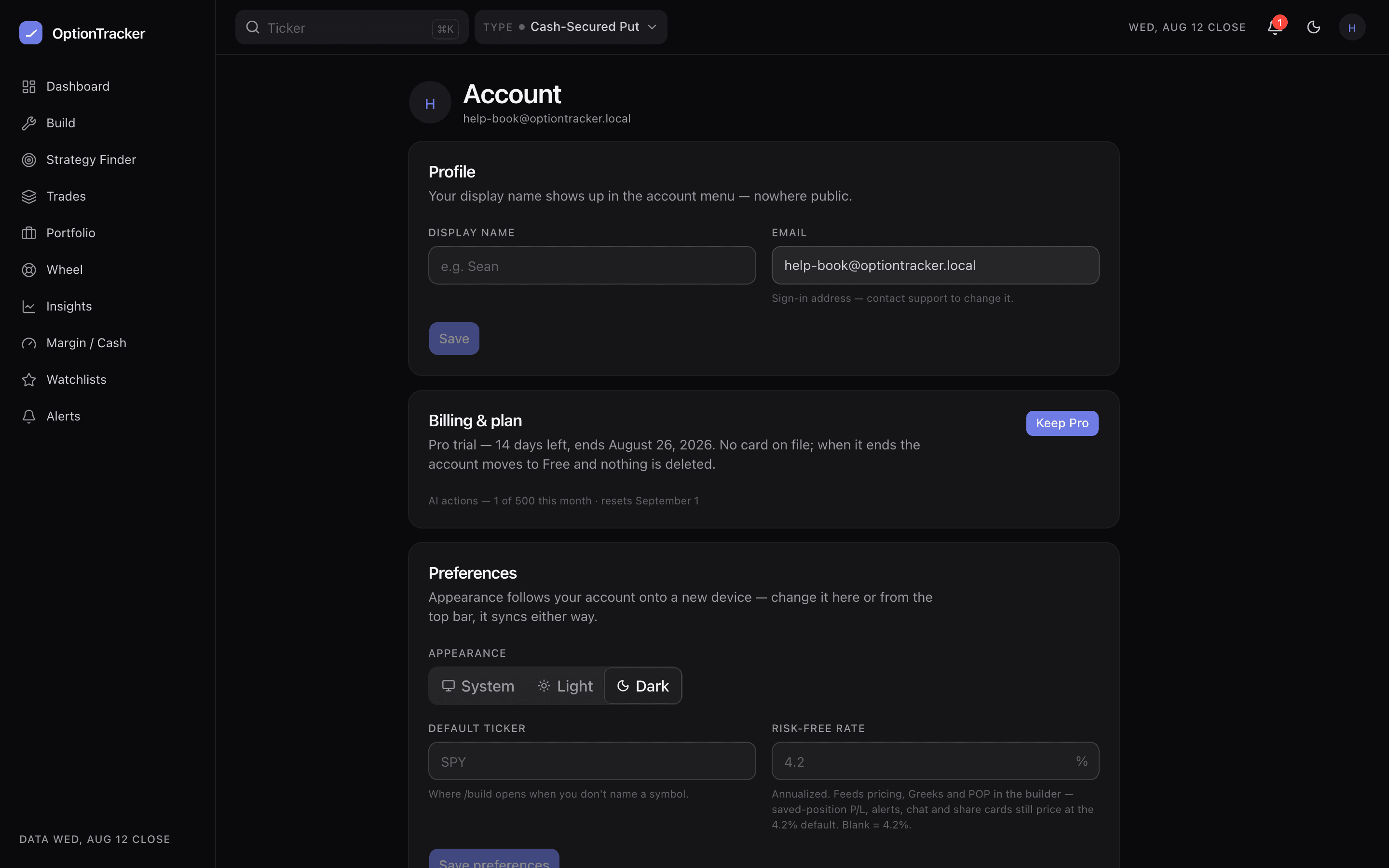
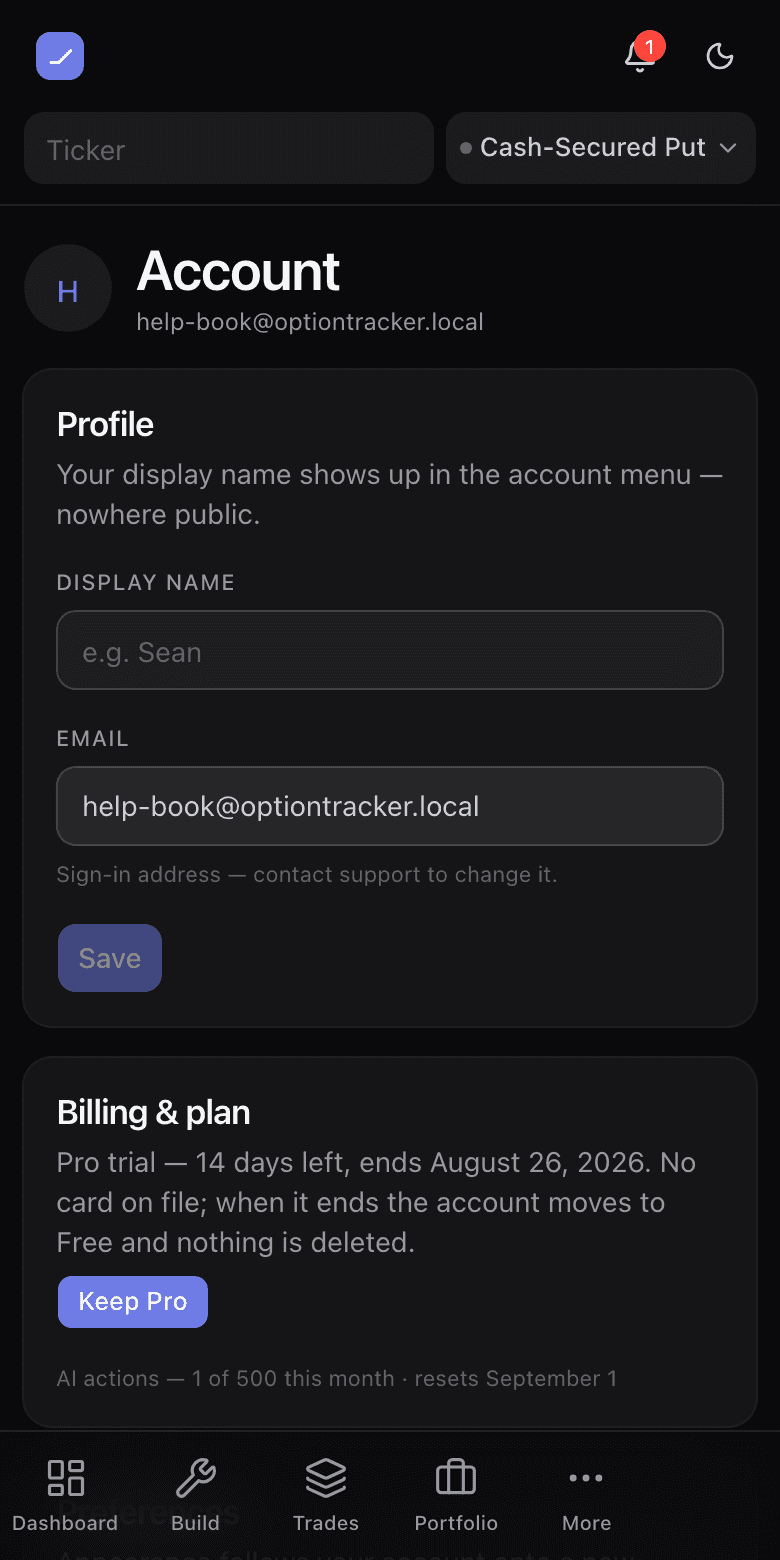
The account page holds your profile, sessions, importers, billing and the danger zone. This article covers the money side plainly: what each tier includes, what the trial does, and how to leave with your data.
The three tiers
| Line | What you get |
|---|---|
| No account | The full builder — 58 templates, the real chain, the strike ladder, Greeks, chance of profit, share links — plus Ivy’s build and support tools. Saves stay on your device, up to 3. |
| Free account | Everything above, synced: the wheel, portfolio, watchlist and alert trackers, Insights, Margin / Cash, the Strategy Finder, the file importer, and 3 saved trades. |
| Pro | Ivy working on your own book, the brokerage-screenshot importer, unlimited saves, and the daily digest. $29 a month or $290 a year — two months free on annual. |
The first 100 members pay founding pricing — $19 a month or $190 a year, locked in for as long as the subscription stays active.
The 14-day trial
Every new account starts with 14 days of Pro, no card. When it lapses you keep everything you made — nothing is deleted. Your newest 3 saved trades stay fully editable (the free cap), the rest go read-only until you upgrade, and the trackers keep working; only the Pro capabilities pause.
Subscribing and managing billing
- Upgrade from Pricing or the account page — checkout is Stripe’s.
- Account → Billing opens the billing portal: switch monthly/yearly, update the card, download invoices, or cancel. A cancellation runs to the end of the paid period.
- Founding pricing survives plan switches within founding monthly/yearly. Cancel and return after the founding window closes, and Pro is at the regular price.
Your data is yours
- Export everything — strategies, cycles, lots, realized ledger, watchlists — as JSON, any time, on any tier.
- Delete the account with a typed confirmation. It cascades: every row you own is removed.
- Analytics — funnel moments and page views go to PostHog, along with a masked session replay: every piece of text and everything you type is asterisked before it leaves your browser, images and charts are blanked, and recordings are keyed to your account id, never your email. Do Not Track or Global Privacy Control switches it off. The privacy policy states exactly what is collected.
Feedback tickets
The footer’s Feedback link (and the button on Account → Feedback) opens a short form from any screen. After you send it you get a ticket number. Those numbers — and their status — live on Account → Feedback, so a reply from us is something you can match. You do not see the internal board that triages them; that is operator-only.