Stay informed
Four things worth waking up for
Screenshots from the live app, dark theme
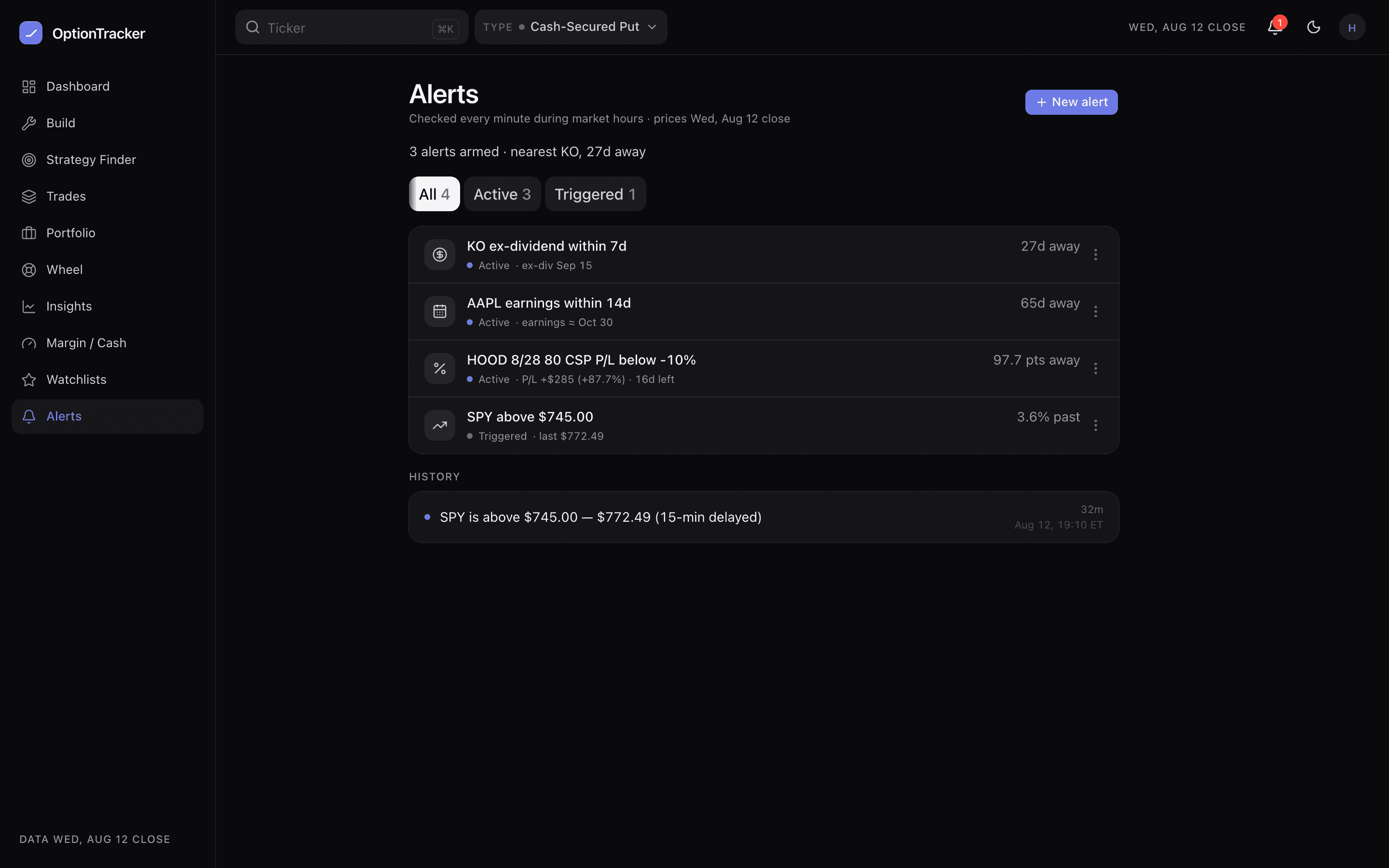
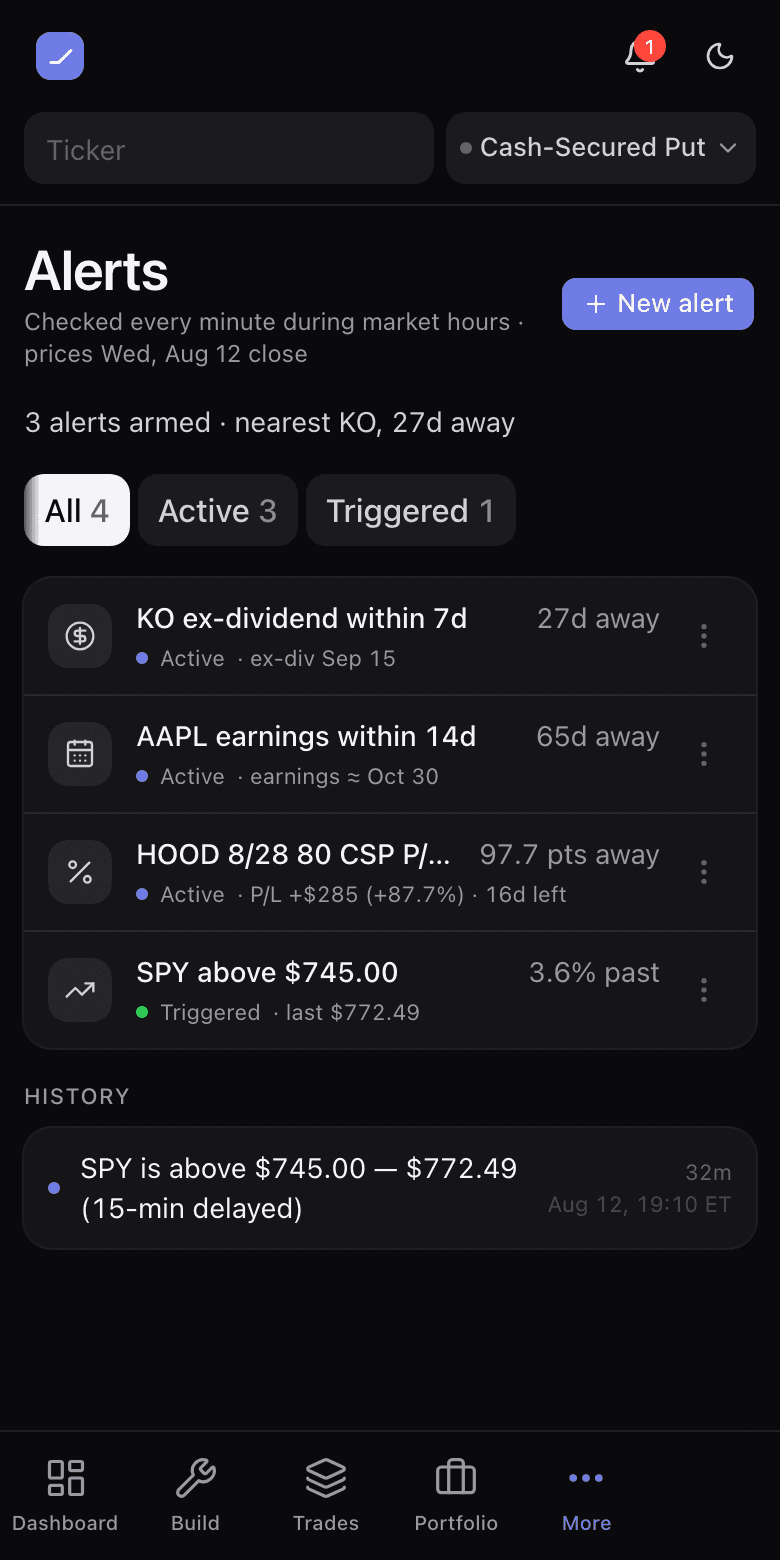
An alert is a promise that you do not have to watch. Four kinds cover what actually moves an income trader’s positions: a price level, a P/L percentage on an open position, an earnings date, and an ex-dividend date. The evaluator checks them every minute the market is open.
Creating one
- Open Alerts and choose the kind.
- Point it at a ticker — or at a specific open position for the P/L kind, where “up 50%” is usually the take-profit conversation.
- Set the level. Earnings and ex-div alerts need no level; they fire when the date is inside the window you chose. Earnings dates are estimated from filing cadence (≈) — a stale estimate is not rewritten as today.
Where they land
Fired alerts land at the bell in the top bar with an unread badge; opening it shows the recent events and marks them seen. Each event names what fired and why. Dismiss an alert to retire it, or re-arm it to keep watching the same line.
- Your devices (Pro): enable notifications on a phone or desktop and a fired alert lands there as a push, even with the app closed — see Install the app & push alerts.
- The margin ceiling is its own alert on Margin / Cash — a borrowing level in dollars or utilization percent.
- The evening digest (Pro) recaps everything that fired during the day, so a missed bell still reaches you — see Daily digest.