Stay informed
Put it on your device, and let alerts find you
OptionTracker installs like an app — its own icon, its own window, no browser chrome — and once it is on a device, Pro can send that device a push notification the minute an alert fires, even with the app closed. Both live on the Alerts page.
Install it like an app
- Desktop Chrome or Edge: an install icon appears at the right end of the address bar on any OptionTracker page — click it and confirm. The app opens in its own window from your dock or Start menu.
- Android: the browser menu offers Install app (or Add to Home screen).
- iPhone and iPad: Safari has no install button — tap Share, then Add to Home Screen. Two taps, and OptionTracker is an icon.
Device alerts — a push when an alert fires (Pro)
The Device alerts card on Alerts enables notifications for the device you are holding. Nothing is asked on page load — the browser’s permission prompt appears only when you tap Enable alerts on this device. From then on, any alert that fires also lands as a notification here, app open or not. On a free account the card stays visible with the upgrade path; the button itself is Pro.
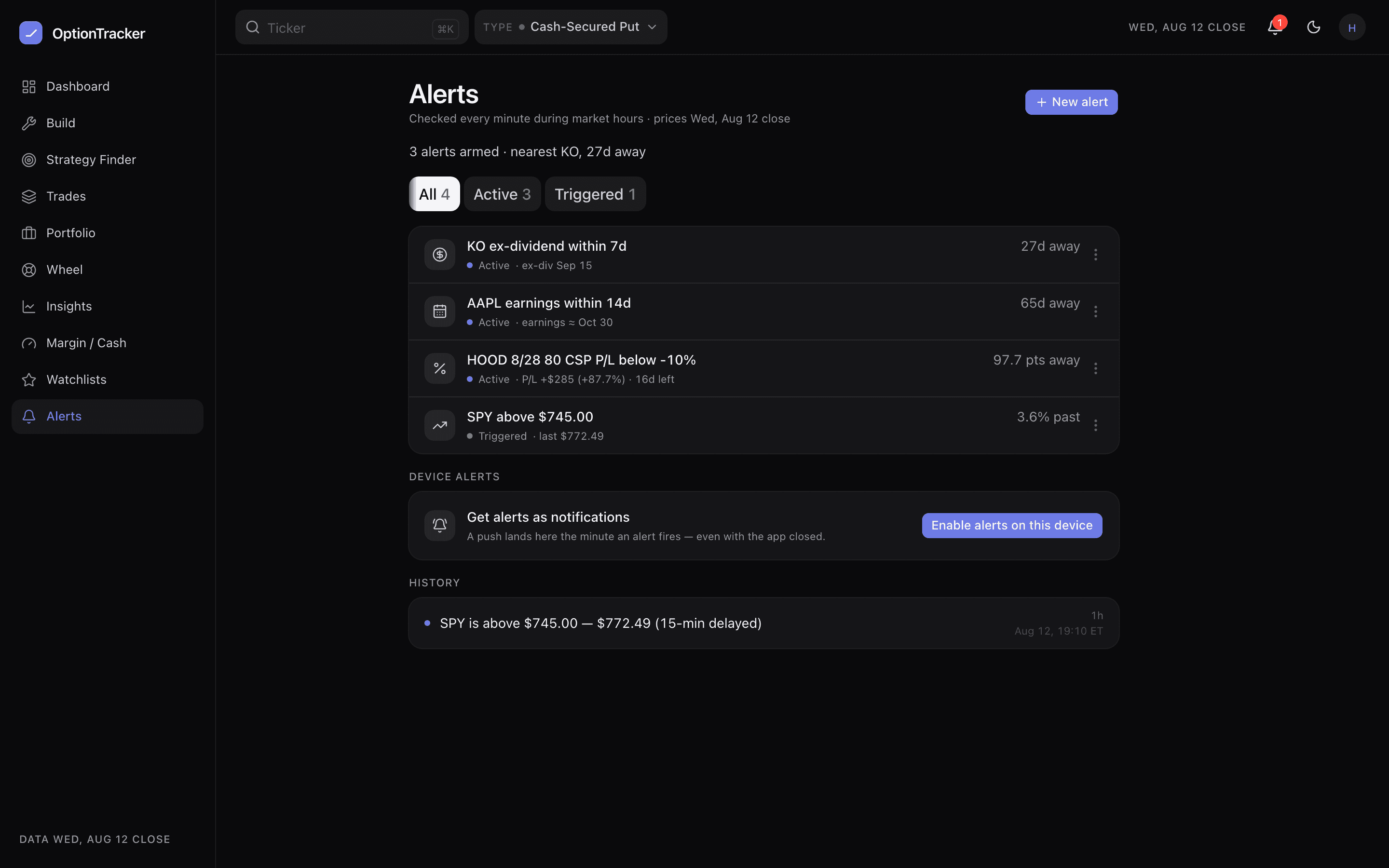
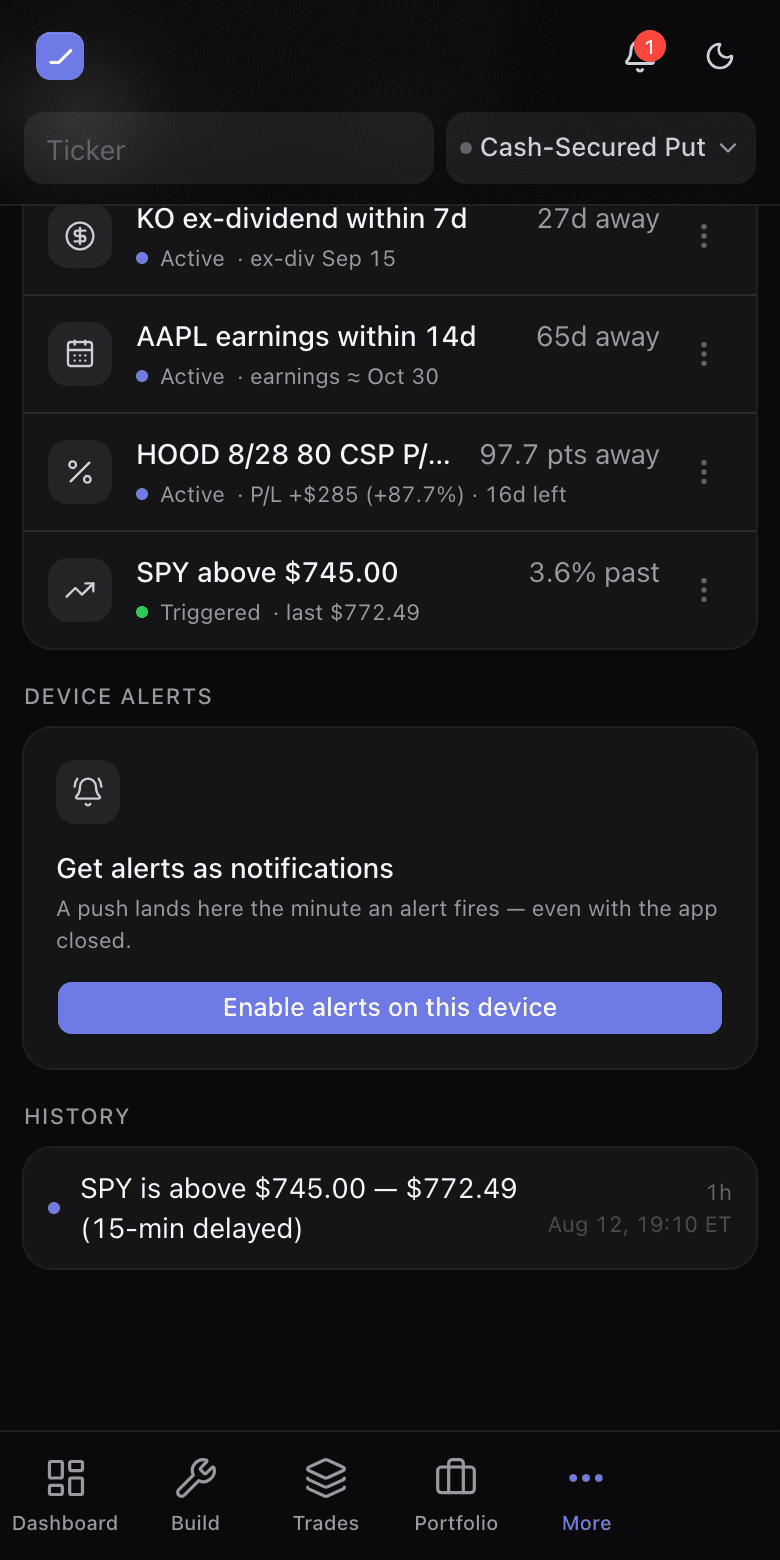
- Choose what wakes it: each device has its own kind toggles — Price, P/L %, Earnings, Ex-dividend, Margin / Cash. Mute earnings on the phone, keep them on the desktop.
- Send test delivers a real notification, and the button says Sent only when the push service actually accepted it. If the service reports the subscription dead, the device is removed and the card tells you to re-enable — never a fake success.
- Every enabled device is listed with its last delivery time; remove any of them from any of them.
- Notifications blocked? The card explains the browser-settings fix instead of showing a button that would silently do nothing.
Offline, honestly
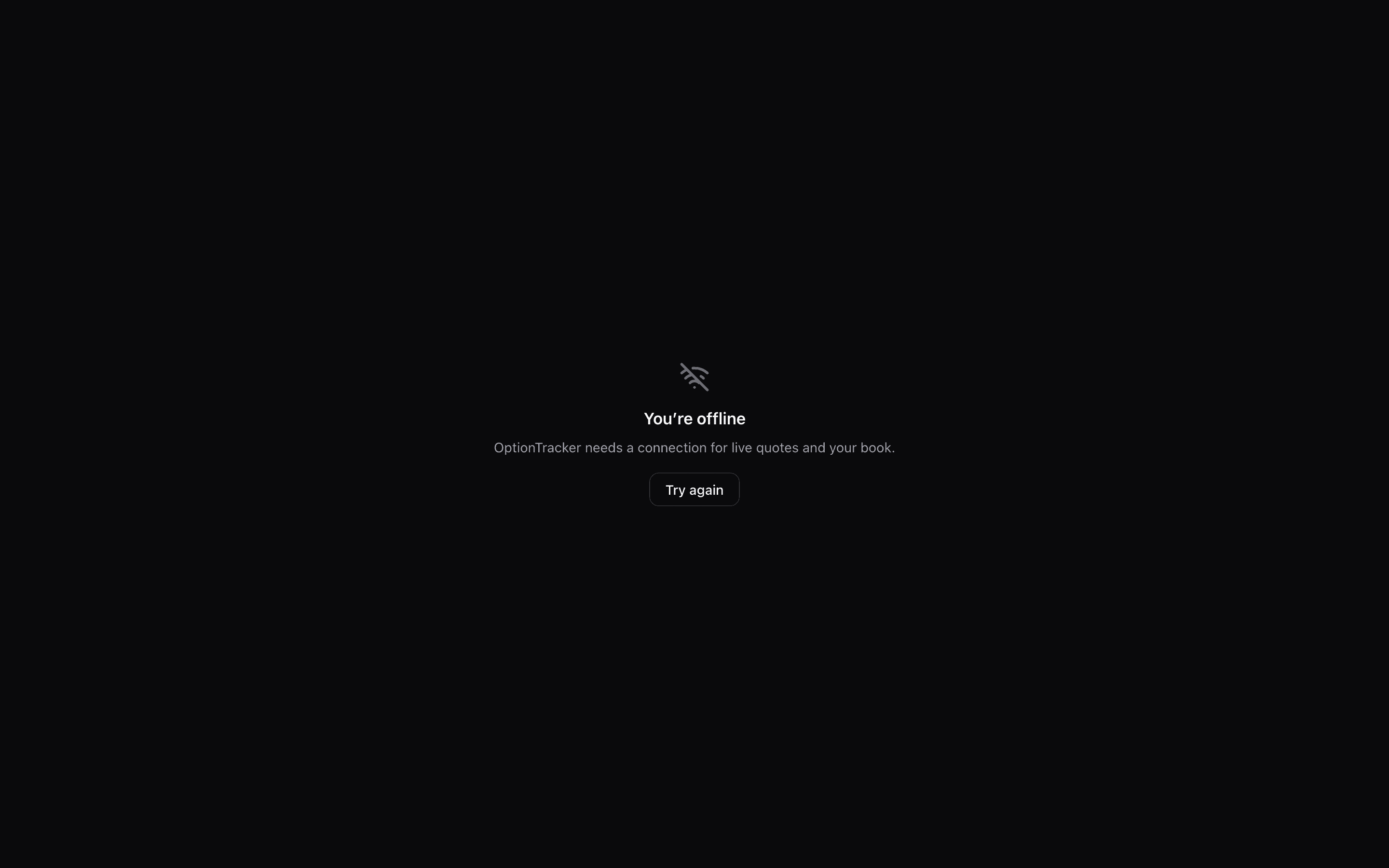
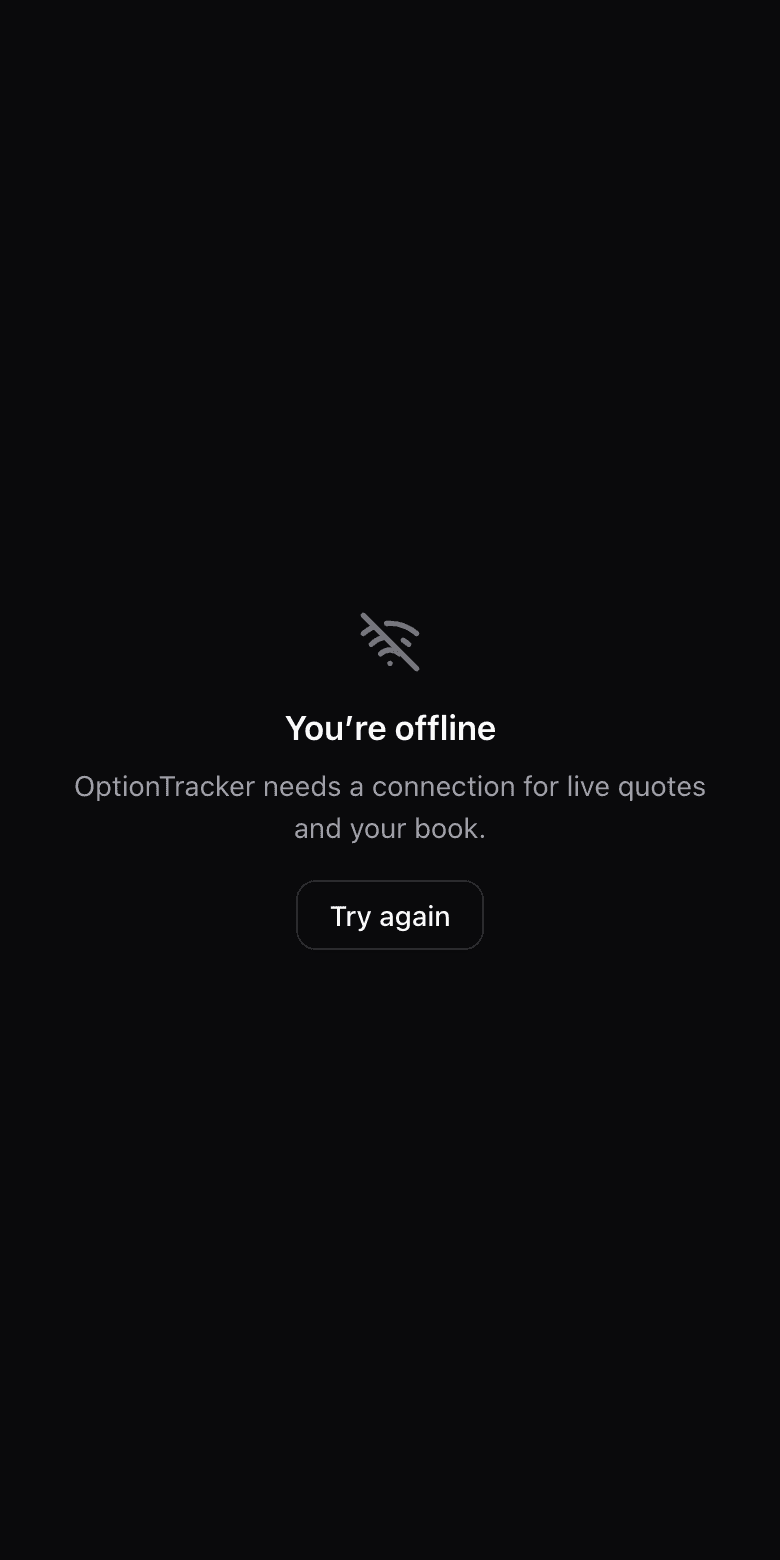
This app is about live prices and your live book, so it requires a connection. Lose it, and you get a static offline screen with a retry button — deliberately not a cached copy of your dashboard. A P/L figure from an hour ago presented as current is worse than no figure at all, so page data is never cached for offline replay.