Ivy & your account
Create an account, confirm your email, sign in
You can use the builder without an account. An account adds syncing, the trackers and saved trades. There are three ways in: Continue with Google, Email me a magic link, or an email and a password. A password account has one extra step: you confirm the address from your inbox before it works.
Creating an account with a password
- On Sign in (or the save sheet in the builder), choose Create account, then type your email and a password of at least 8 characters.
- Press Create free account. You are not signed in yet. The screen says to check your inbox.
- Open the email Confirm your email for OptionTracker and press the button. That link confirms the address and signs you in, landing you where you started.
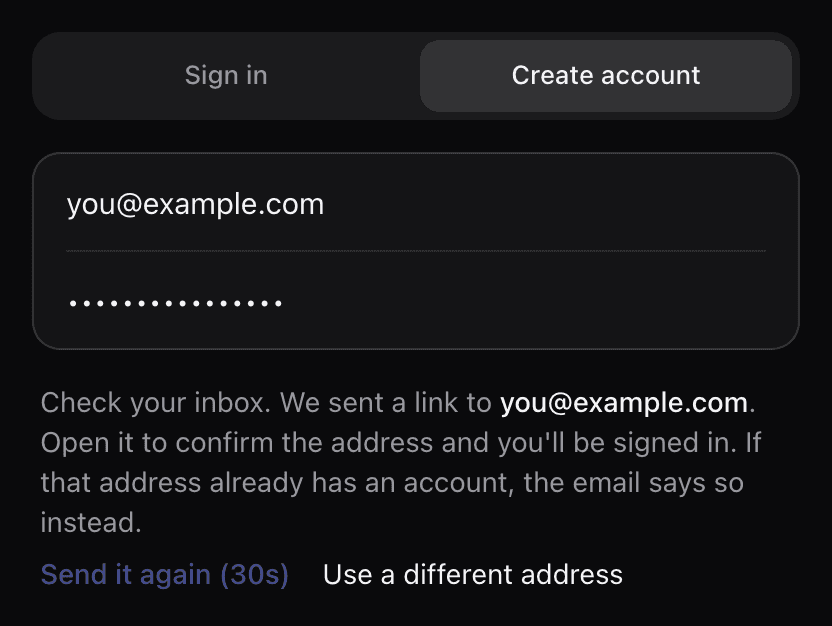
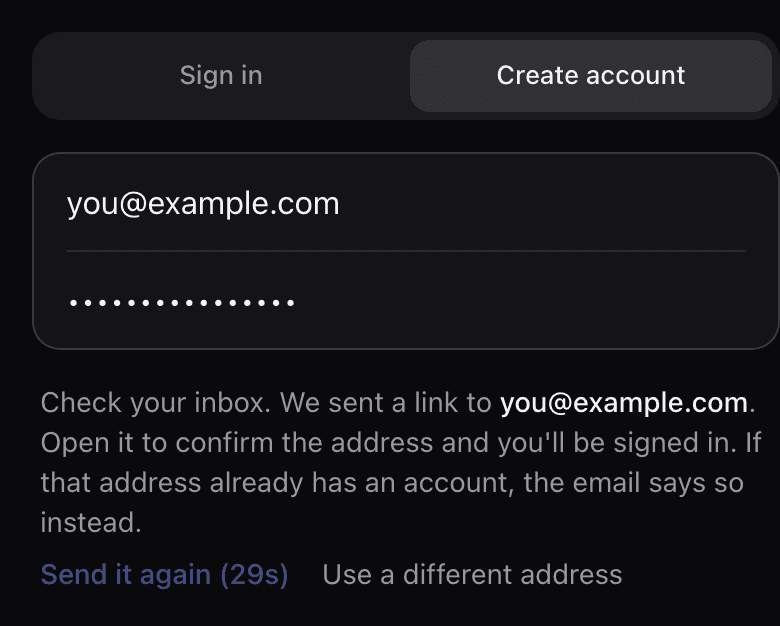
Why the extra step: anyone can type any address into a form. Until the owner of the inbox opens the link, the account cannot be used, and no password typed by someone else survives on it. It is also why the screen gives the same answer for every address. If the address already has an account, that owner gets an email saying so instead of a new link, and nobody learns from the page whether an address is registered.
If the email doesn’t arrive
- Give it a minute, then check spam or promotions.
- Press Send it again (it unlocks after 30 seconds), or choose Create account again with the same address. Either one sends a fresh link. Each link works once, and a new one replaces the old one.
- Typed the address wrong? Use a different address starts over.
- Still nothing? Continue with Google or Email me a magic link also prove the address, and they sign you in straight away.
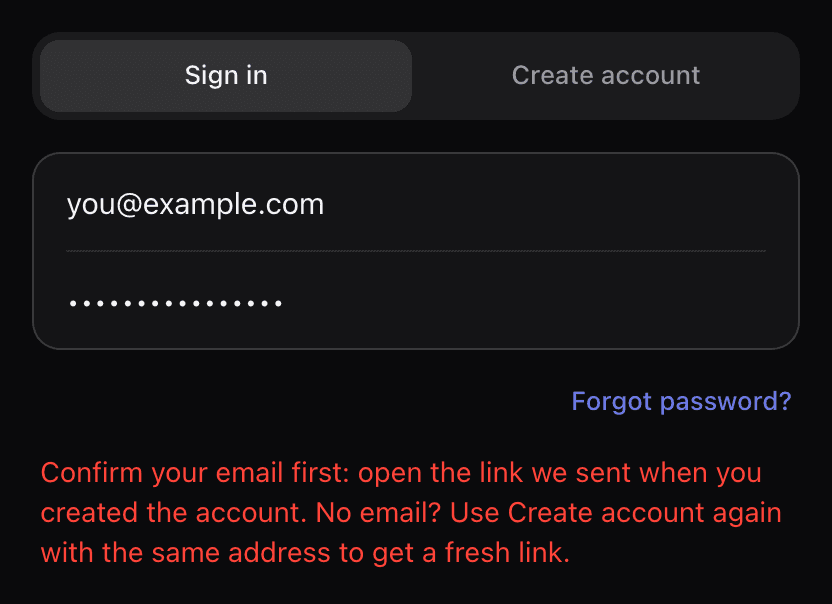
“Confirm your email first”
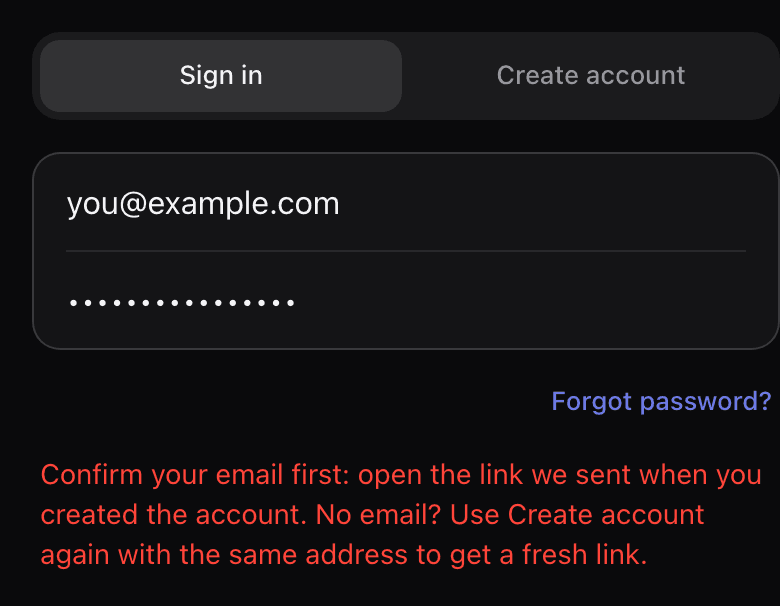
If you try to sign in with the password before opening the link, sign-in stops and says so. Open the confirmation email, or create the account again with the same address for a fresh link.
Trades you saved before signing up
Trades saved without an account live on this device. When you create the account from the save sheet, the trade you have open is kept on the device too. After you open the link they move into your account on the Trades page. If there are more than the free account holds, the rest stay on the device, listed and never deleted. Open the link in the same browser you saved them in: device saves do not travel between browsers.
Changing your password
Account → Security changes your password (it asks for the current one) or sets one if you sign in with a magic link. Forgot it? Forgot password? on the sign-in screen emails a reset link. For extra protection, the change may ask for a verification code we email you; type it into the field that appears and save again.