How to import your options trade history
The file importer reads one trade-history export layout, as an Excel or CSV file. The Import screen names the export it reads. Preview the fills, check any penny closes and confirm the trades and wheel cycles you want to keep. File import is included with a free account.
Export and check your file
- Find out which export works. The importer reads one layout, from one tool. The Import screen names it beside the file picker, and so does the import help article. Export your trade history from that tool as an .xlsx or .csv file and leave it unchanged.
- In OptionTracker, open Import and choose the file. A supported export starts with a Name header row, then a Symbol header row. Each trade is followed by its option or share legs.
- In the preview, expand any flagged trade and compare its fills with your broker record. Check the trades and wheel proposals you want before using the Import button. Its label shows the number of trades and cycles selected.
The file importer expects the exact two-header layout shown in the sample. A generic broker transaction export has a different layout and is refused. So are the two wheel workbooks from the spreadsheet guide: they are calculators you fill in yourself, not import files. The Pro positions screenshot workflow is a separate way to bring in a snapshot of your current holdings.
Read the preview before you save
The sample CSV is a small file of four fictional trades in the same layout as the export the importer reads. Import it to see the flow, and leave before confirming if you do not want the trades saved.
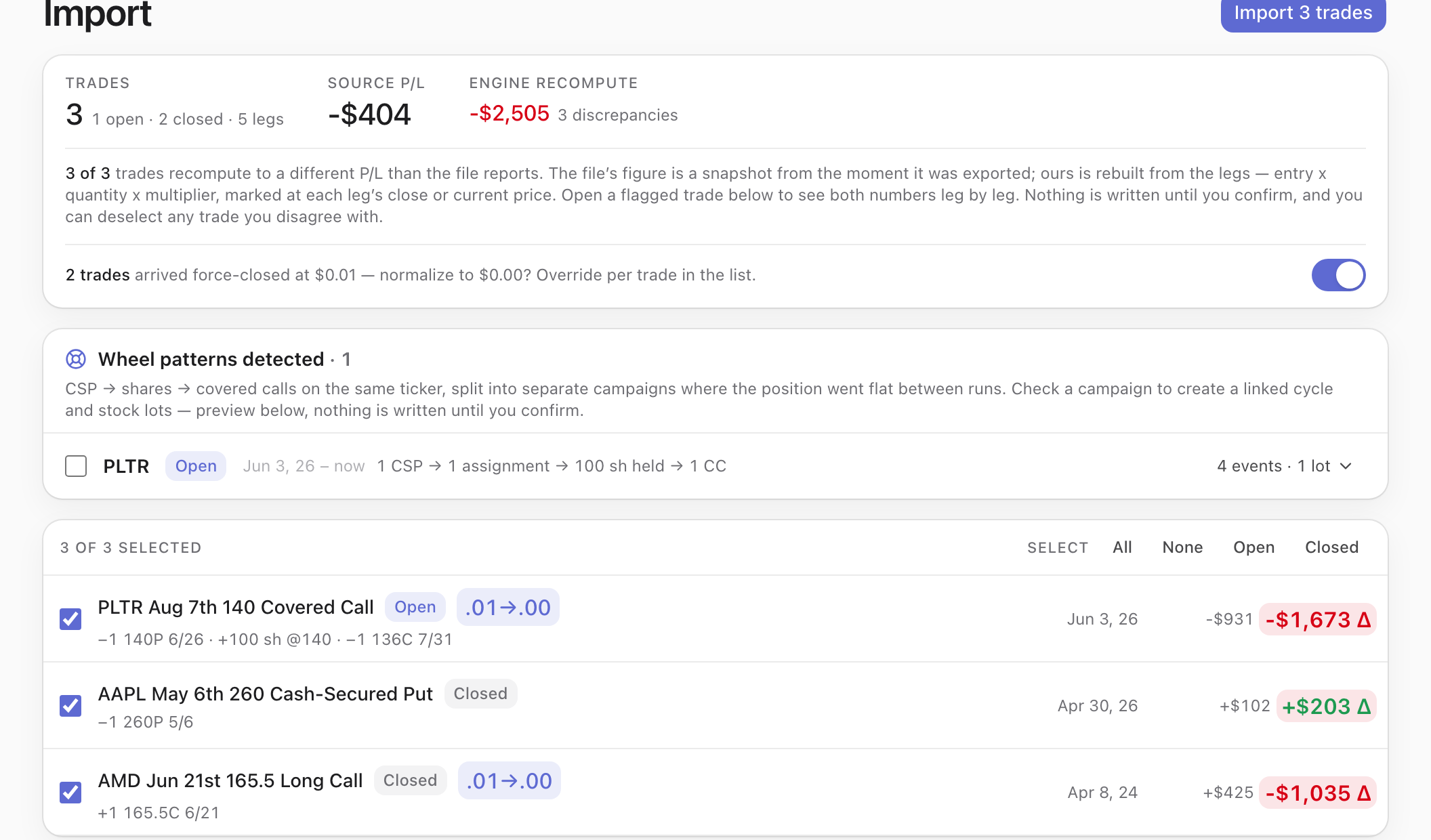
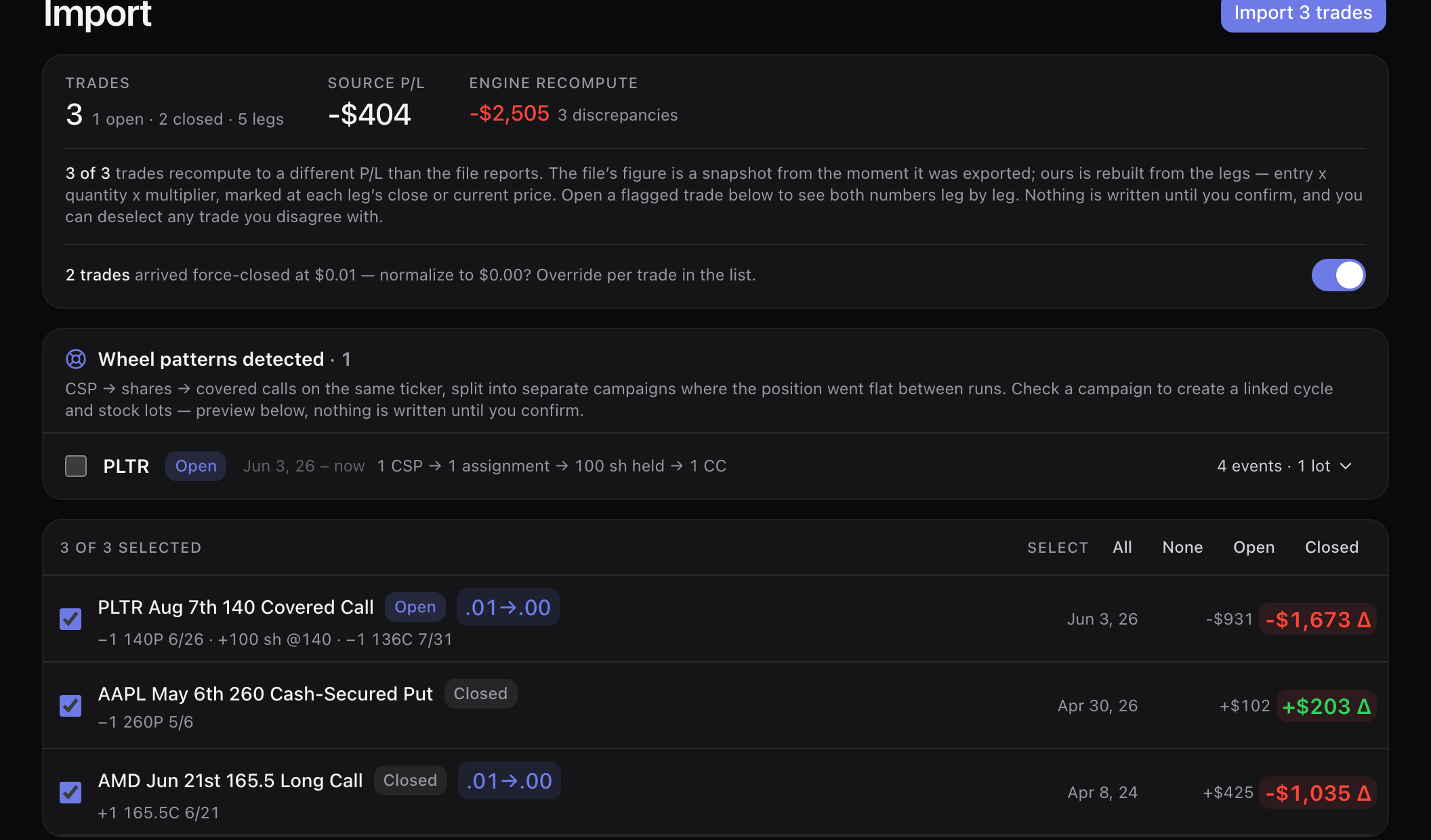
| Sample row | What arrives | What to check |
|---|---|---|
| DEMO $50 put | $0.01 close in the export | Check the stock lot at the strike and confirm assignment against the broker record. |
| DEMO assigned shares | 100 shares at $50 | Check the share count and purchase price before selecting the wheel proposal. |
| DEMO $53 covered call | $0.00 close | Confirm the worthless expiration. The shares stay in the wheel. |
| EXMPL $45 put | $0.01 close in the export | This example represents a real buyback. Keep the original price until the row reads .01 kept. |
DEMO $50 put
- What arrives
- $0.01 close in the export
- What to check
- Check the stock lot at the strike and confirm assignment against the broker record.
DEMO assigned shares
- What arrives
- 100 shares at $50
- What to check
- Check the share count and purchase price before selecting the wheel proposal.
DEMO $53 covered call
- What arrives
- $0.00 close
- What to check
- Confirm the worthless expiration. The shares stay in the wheel.
EXMPL $45 put
- What arrives
- $0.01 close in the export
- What to check
- This example represents a real buyback. Keep the original price until the row reads .01 kept.
A penny in a file can mean a placeholder or a fill. A genuine $0.01 buyback costs $1 on a standard 100-share contract. Keep that price on the trade row. Review detected wheel proposals separately and leave a proposal unselected if its events differ from your records. When you upload the same file again after a confirmed import, the preview marks previously saved matches as already imported.
Check the proposed wheel timeline
- The DEMO $50 put sale brings in $200.
- The put assignment adds 100 shares at $50 to the cycle.
- The DEMO $53 covered call brings in $125 and expires at $0.00.
The sample cycle ends with 100 shares held and $325 in net option credits. Its effective entry cost in the cycle is $46.75 per share before fees. If you confirm a wheel proposal, open Wheel and check the share lot, premiums and event dates against the preview.