New
Now optimized for iPhone Duo.
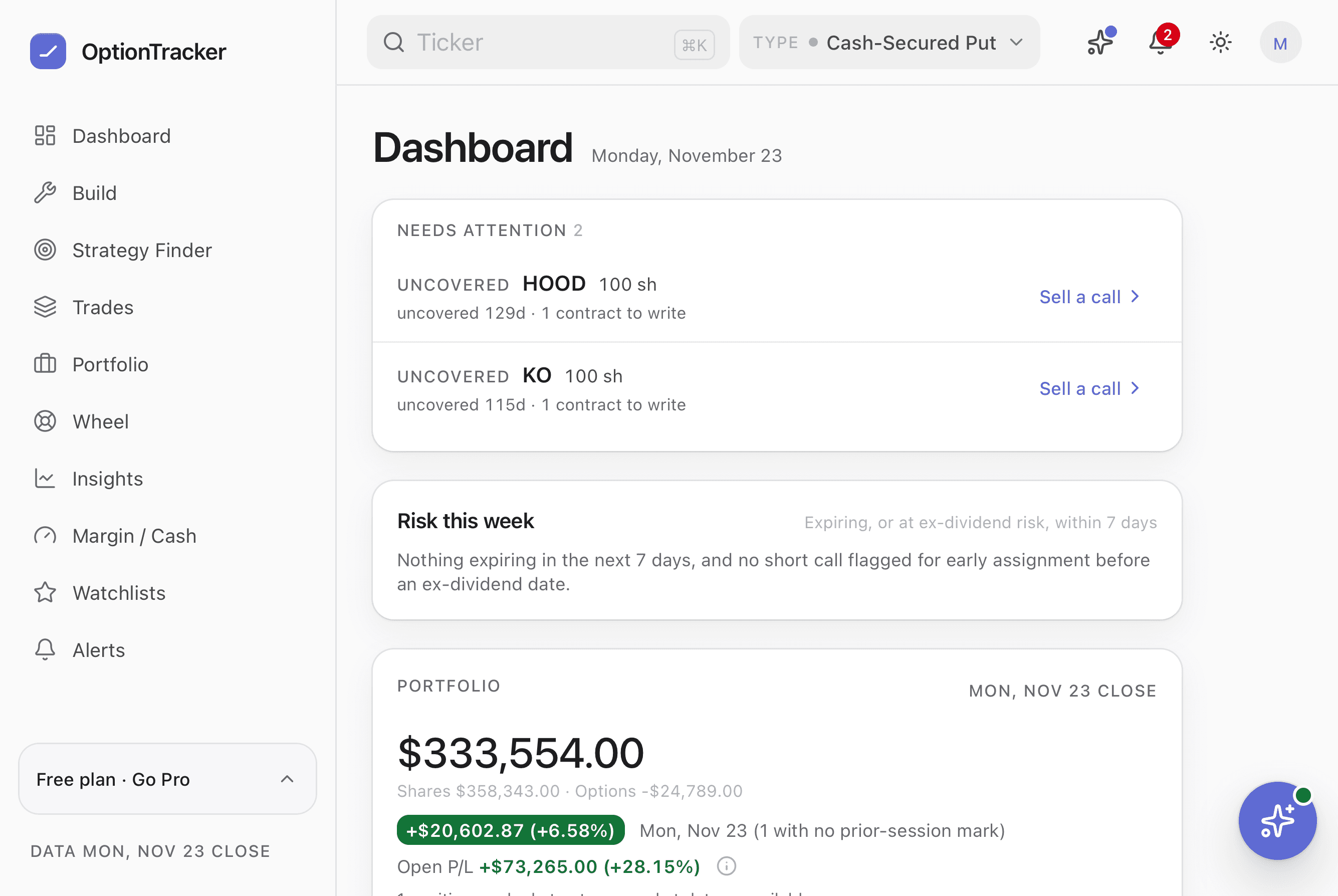
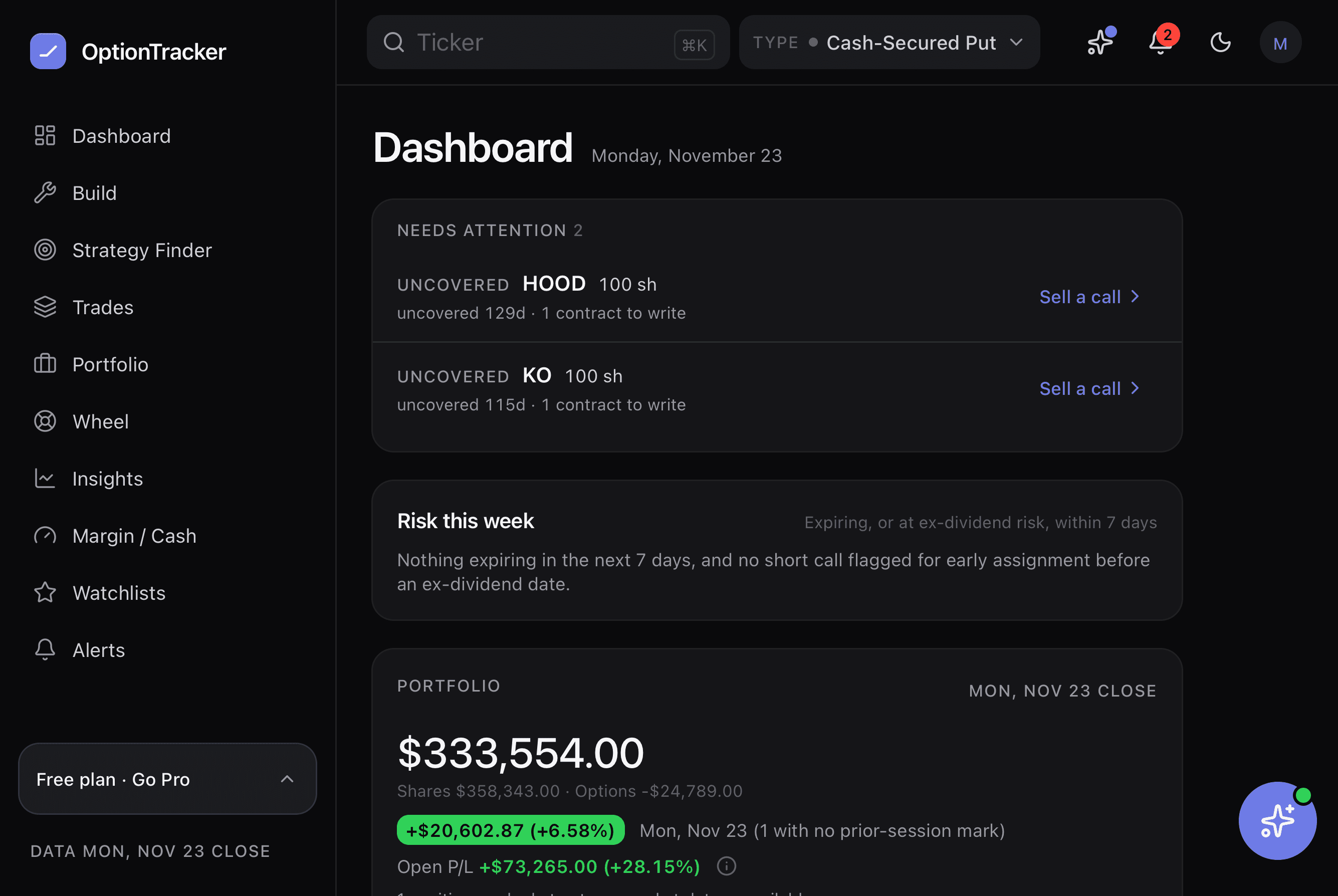
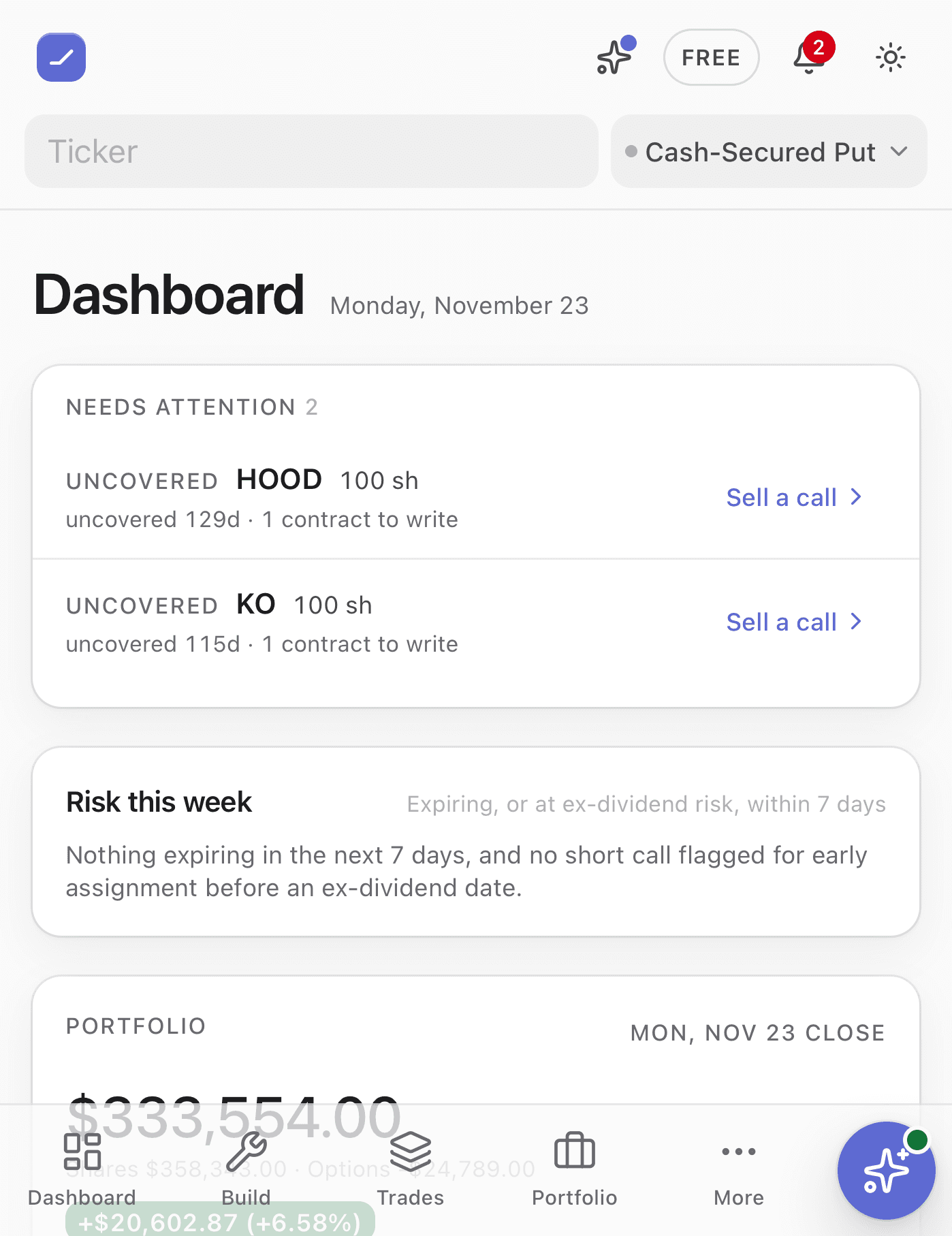
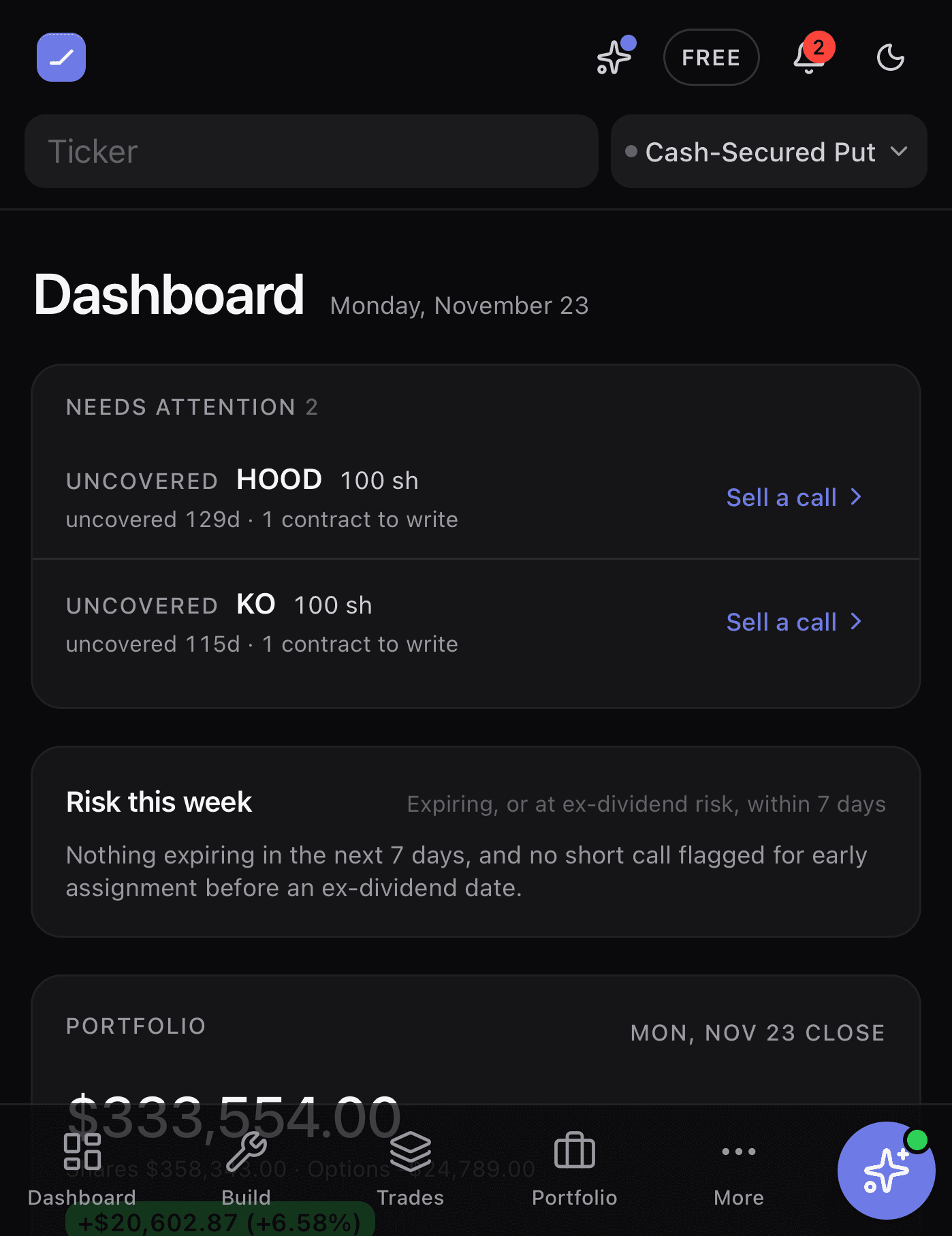
Check your book on the cover screen. Unfold it and the whole dashboard, the strike ladder and the chain open across 7.6 inches.
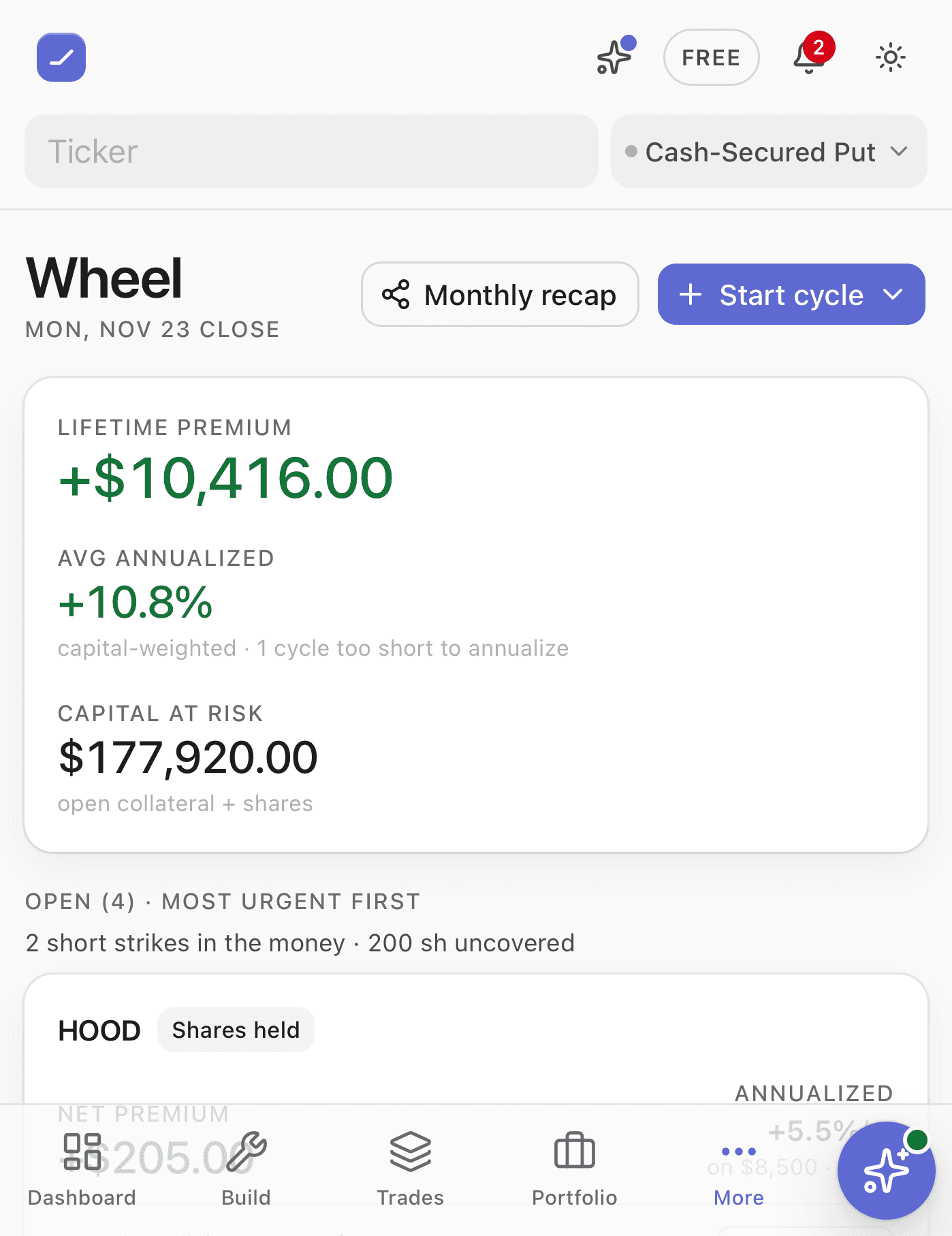
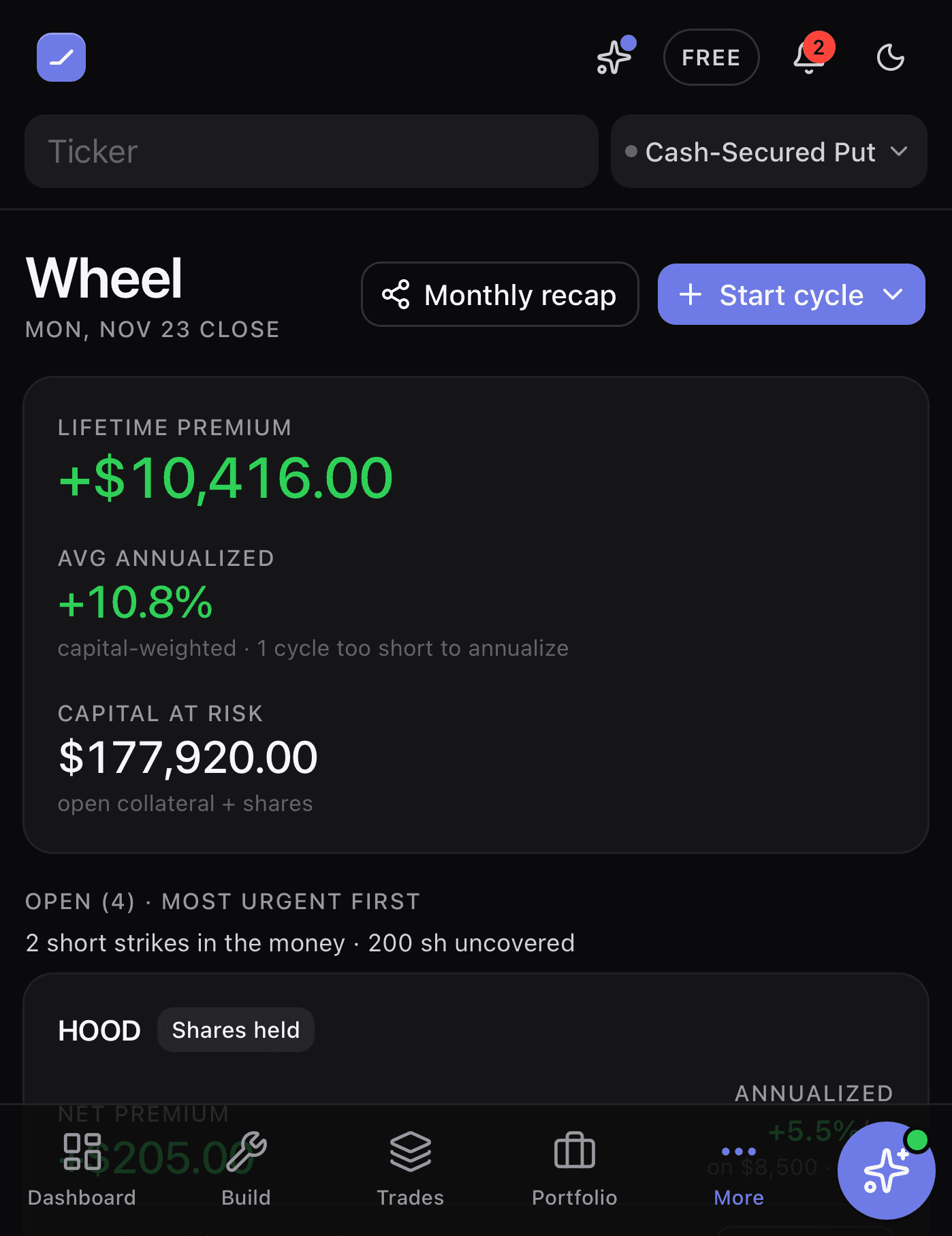
Folded
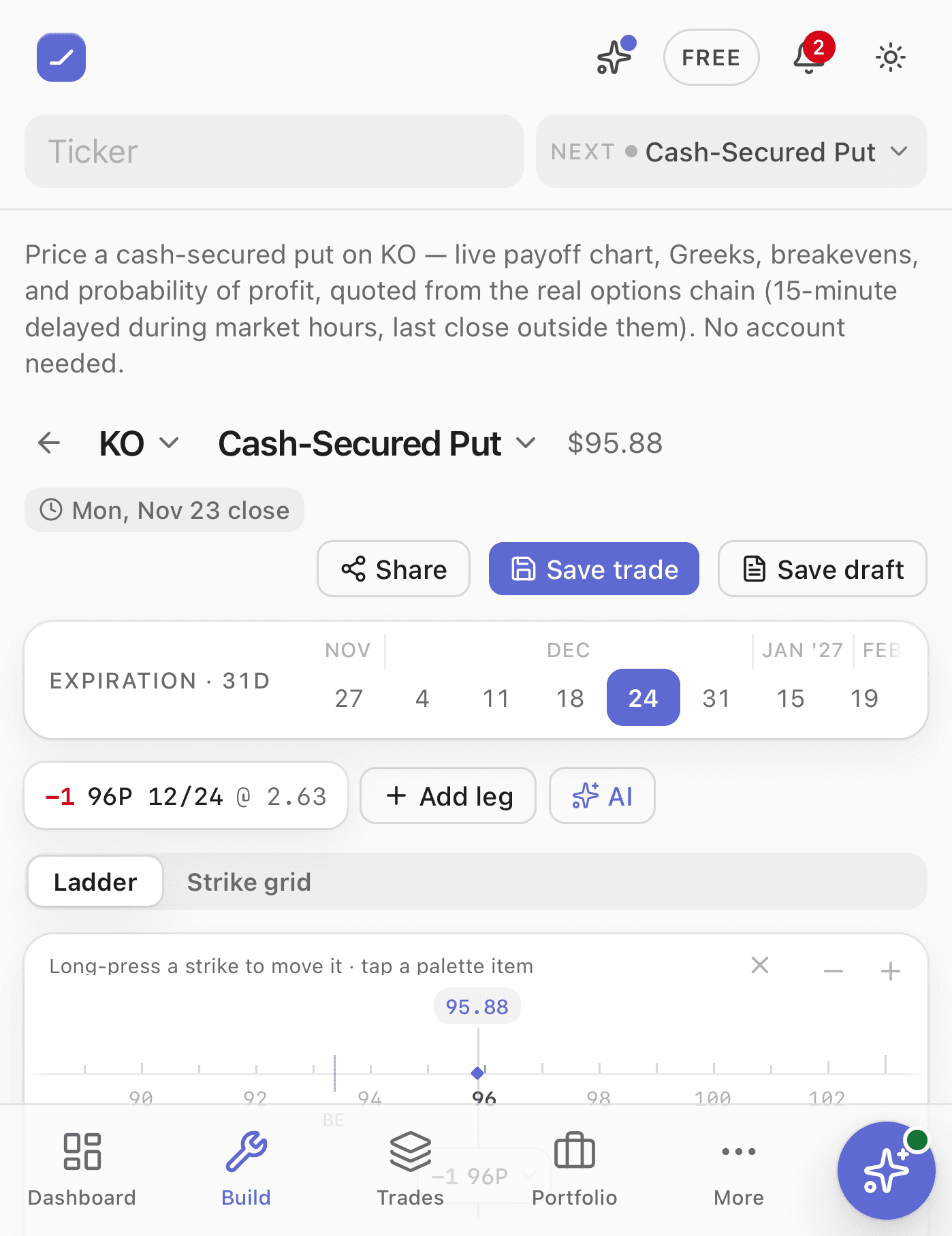
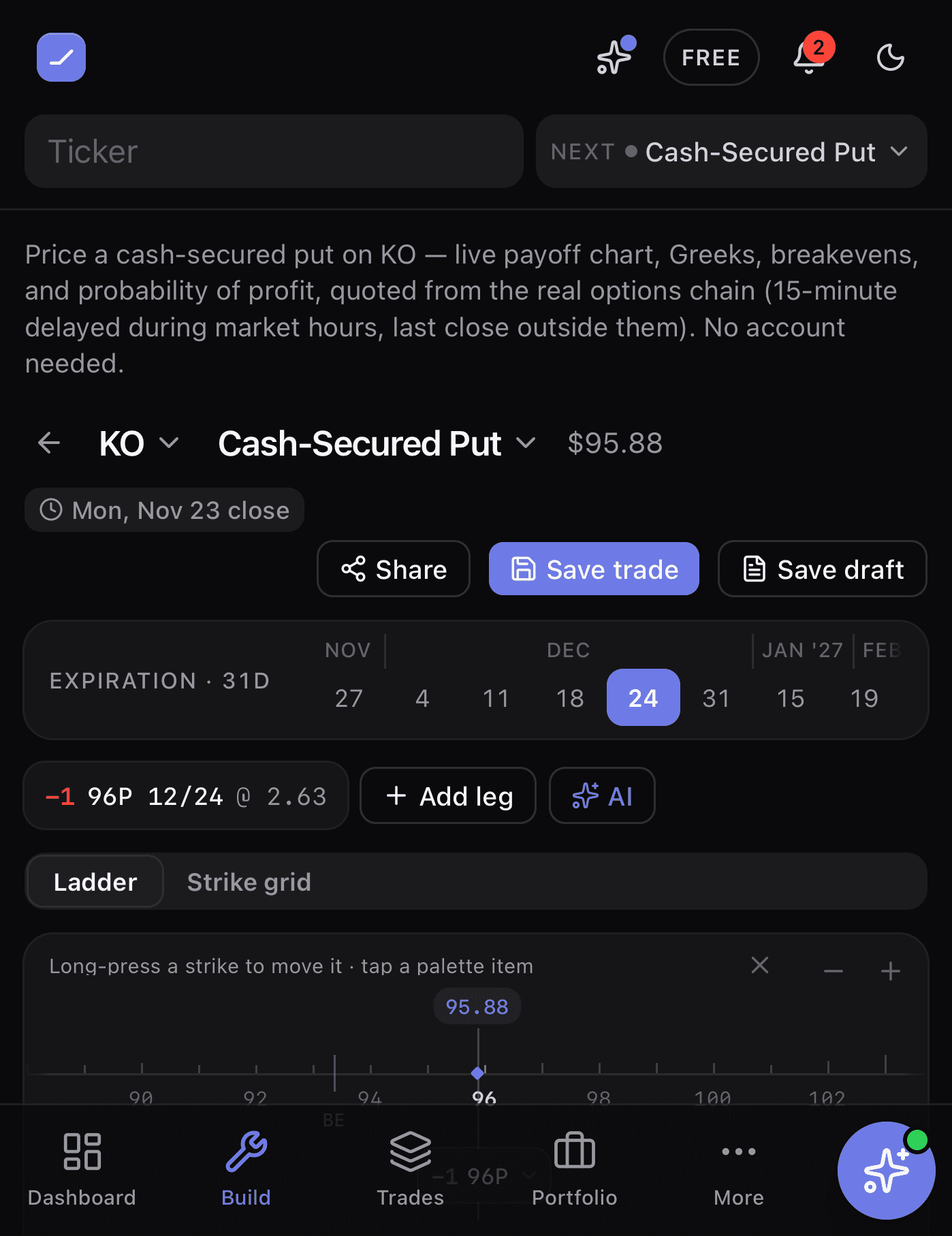
The cover screen is a real phone layout.
Closed, the Duo gets the phone app: one column, a tab bar under your thumb, the Ivy button in the corner. Headers and action buttons wrap rather than collide at the cover screen's width, so the full builder is right there, nothing cut off.
Unfolded
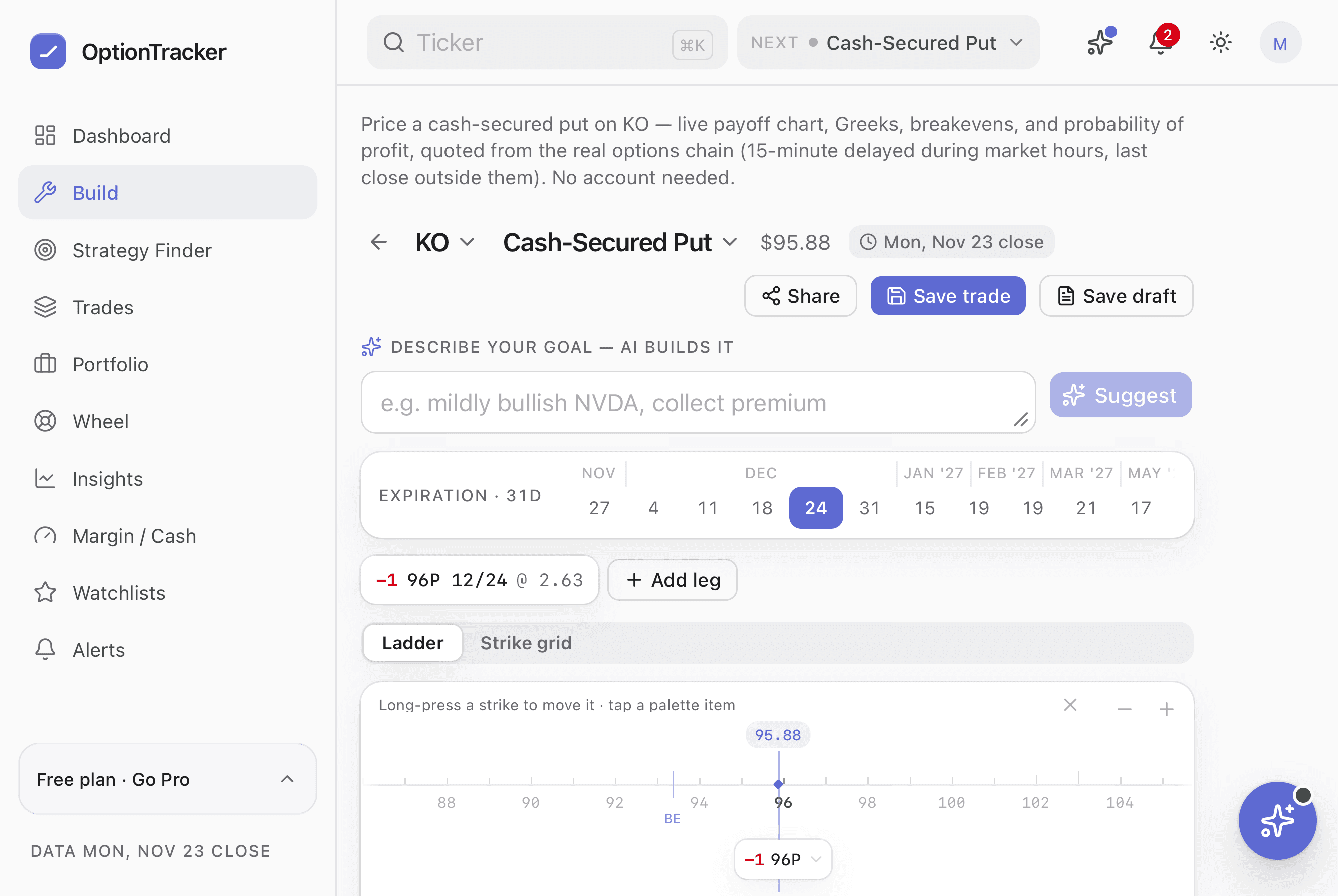
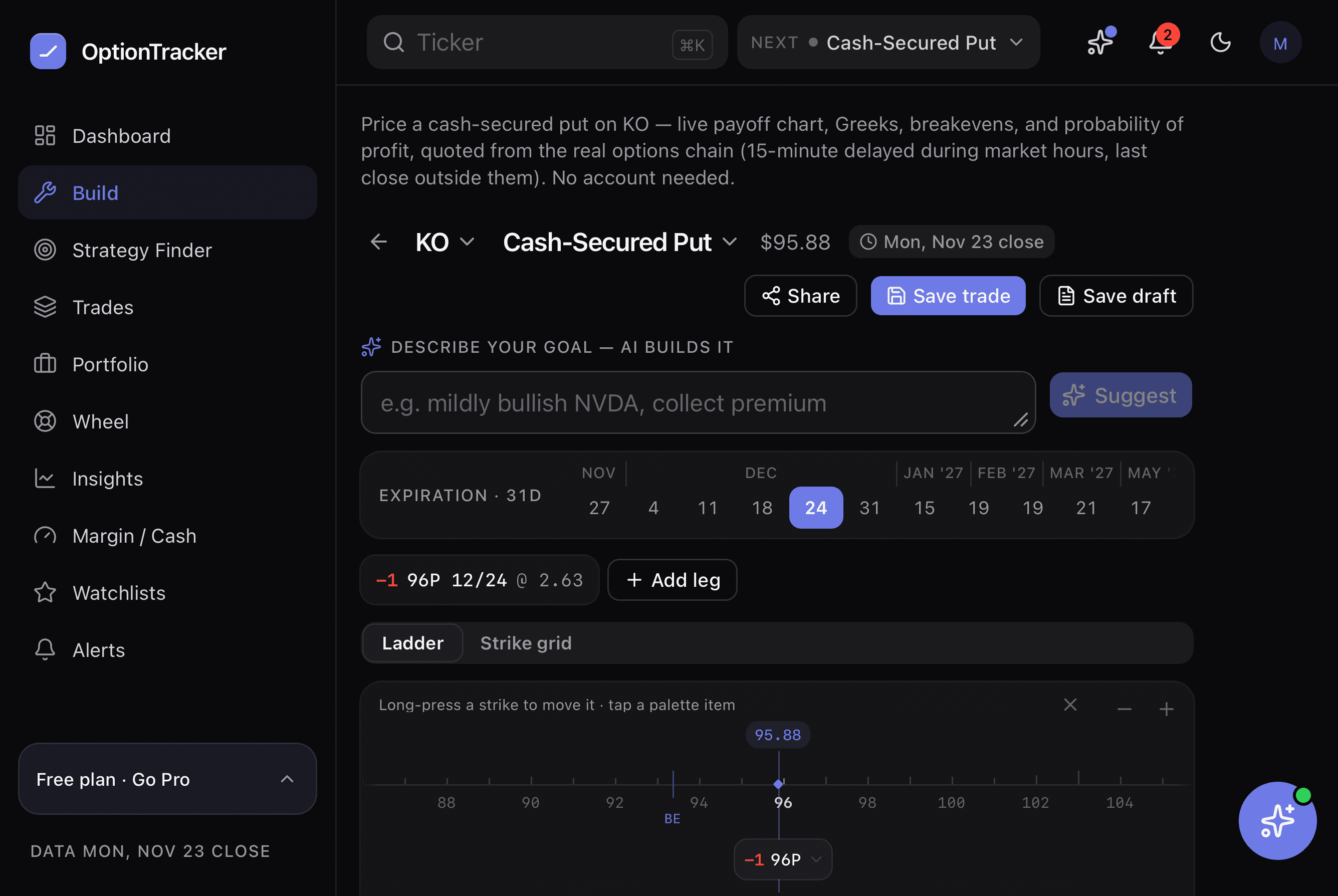
Open it and the desktop layout comes with it.
Unfolded, the inner display is wide enough for the full app: the sidebar stays put, the search and strategy picker sit in the top bar, and the expiration strip has room for far more of the chain's dates at once.
Home Screen
Keep it on your Home Screen, not in a tab.
Save OptionTracker from Safari and it gets its own icon. It opens straight into your dashboard, full screen with no browser bar, like any other app. No App Store download, and it's always the latest version.
Open it in Safari
Go to optiontracker.app and sign in.
Tap Share
It’s in Safari’s toolbar, or under the button beside the address bar.
Add to Home Screen
Scroll the share sheet and tap Add to Home Screen. If you see Open as Web App, leave it on, then tap Add.
Open it from the icon
It launches full screen with no Safari bar and gets its own place in the app switcher. Sign in once inside it and it remembers you.

Installed is also how iOS lets OptionTracker send push alerts to your phone. Set up device alerts
iPhone is a trademark of Apple Inc., registered in the U.S. and other countries and regions. OptionTracker is not affiliated with or endorsed by Apple.