Build & analyze
Start from your thesis, not from a template list
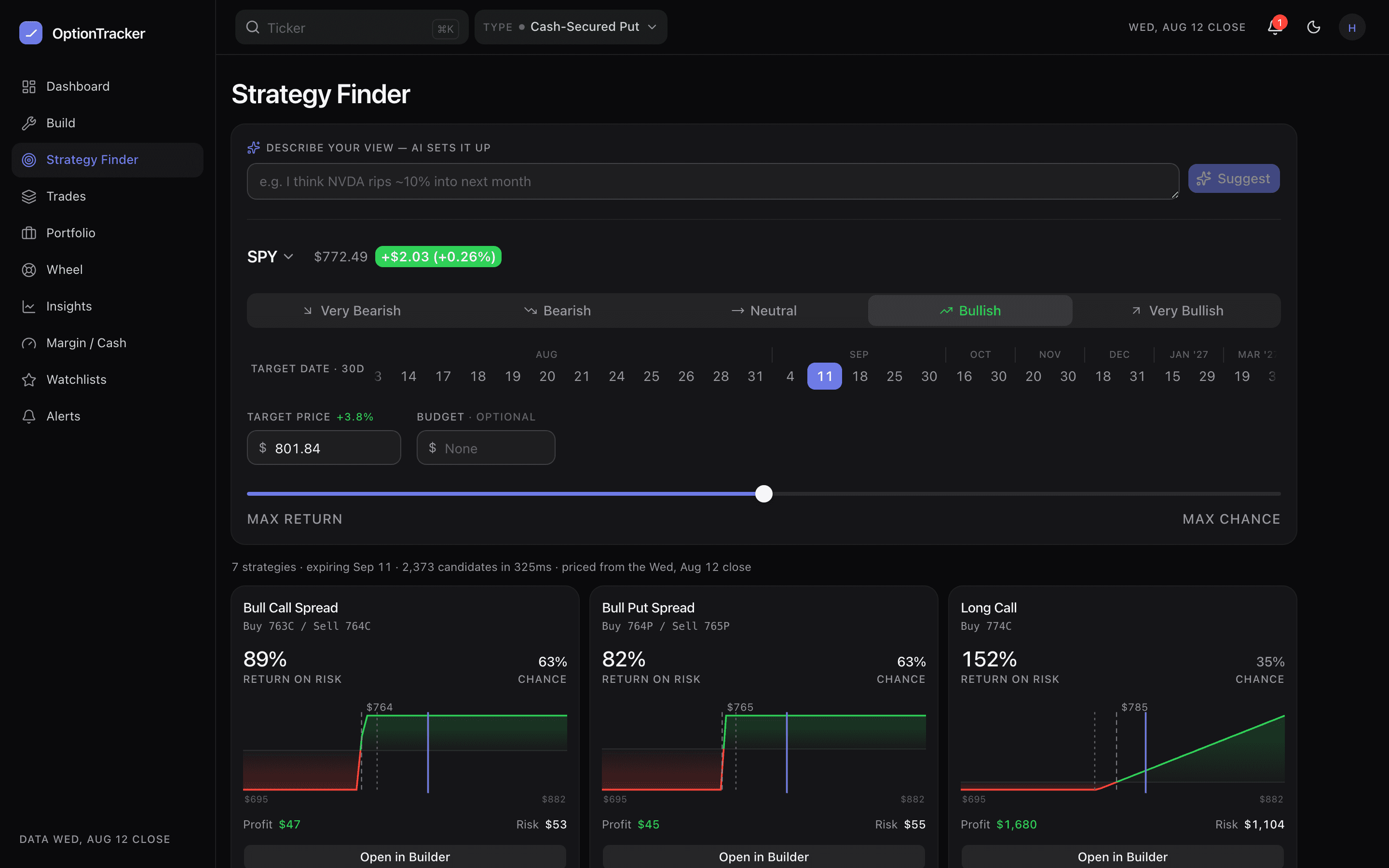
You usually do not start from “iron condor”. You start from a view: KO drifts up to 92 by late September. The Strategy Finder takes that view and enumerates real candidates from the live chain — then ranks them so you can compare structures you might not have considered.
State the thesis
- Open Strategy Finder (free, needs an account).
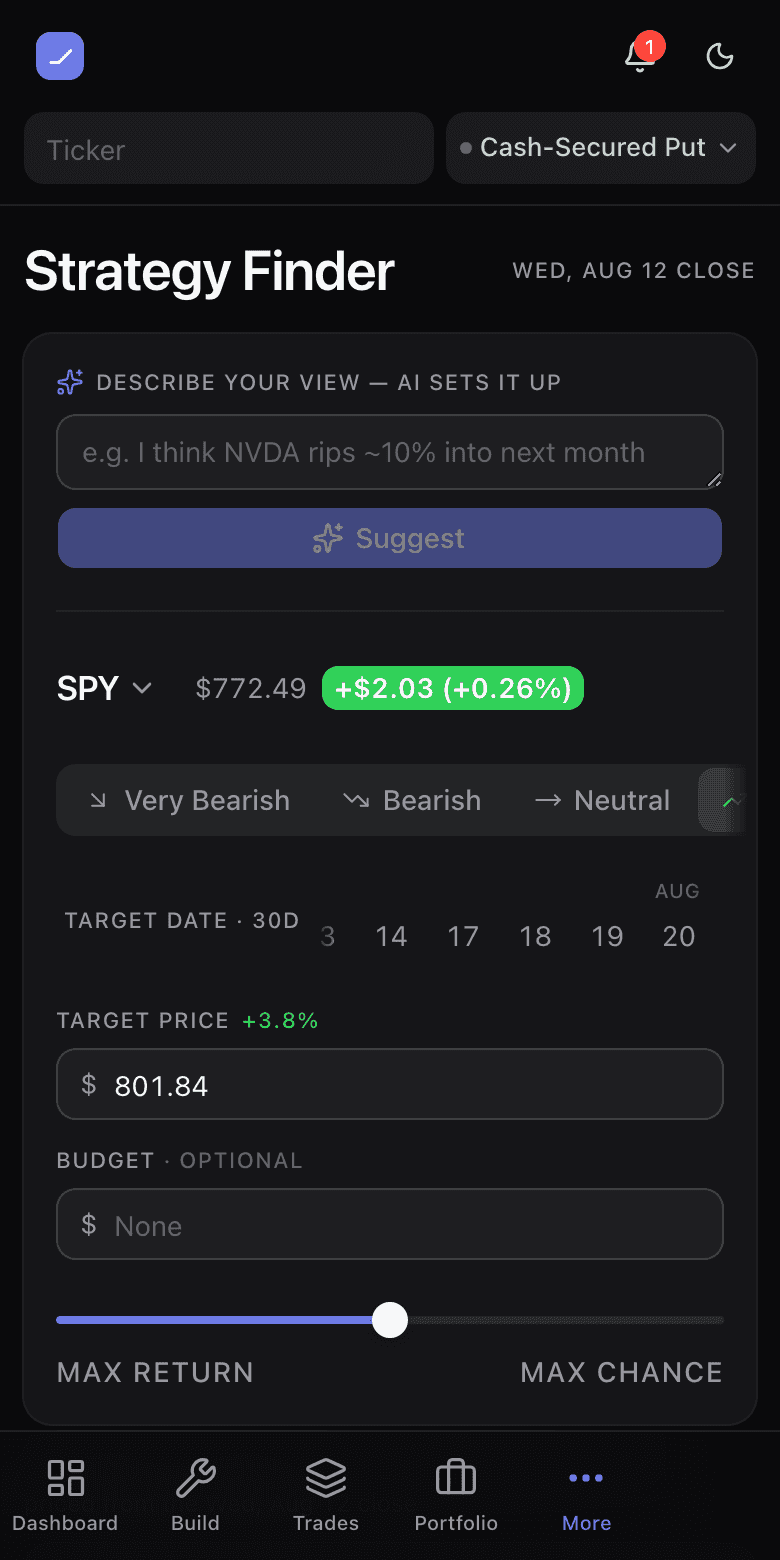
- Pick a sentiment — very bearish through very bullish — or just type the view into the describe box (“I think NVDA chops sideways for a month”) and the AI fills the controls for you.
- Set a target price and a target date. These anchor the ranking: a structure that pays best if you are right is worth more than one that pays best somewhere you do not expect to be.
Read the ranking
Each candidate shows its structure, net debit or credit, max profit and loss, and two ranking lenses: return on risk (what you make if the thesis lands, against what you can lose) and probability of profit (lognormal, from the chain’s own implied volatility). They pull in opposite directions on purpose — a ranking with one axis is a ranking you cannot argue with, and you should be able to argue with it.
Tap any candidate and it opens in the builder with its legs loaded, where you can drag strikes, check the matrix, and save it.