Trash & Recovery
Accidentally deleted a trade? No problem. Recover deleted trades and stock positions from the trash with one click. Items are automatically purged after 30 days.
Trash & Recovery
When you delete a trade or stock position, it's moved to the trash instead of being permanently deleted. This gives you a safety net to recover accidentally deleted items.
How It Works
- Soft Delete: When you delete a trade or stock position, it moves to the trash
- Recovery Period: Items remain in trash until you permanently delete them or empty the trash
- Excluded from Calculations: Trashed items don't appear in your main lists, analytics, or P&L calculations
Move to Trash Dialog
When you delete a trade, you'll see a confirmation dialog before it's moved to trash:
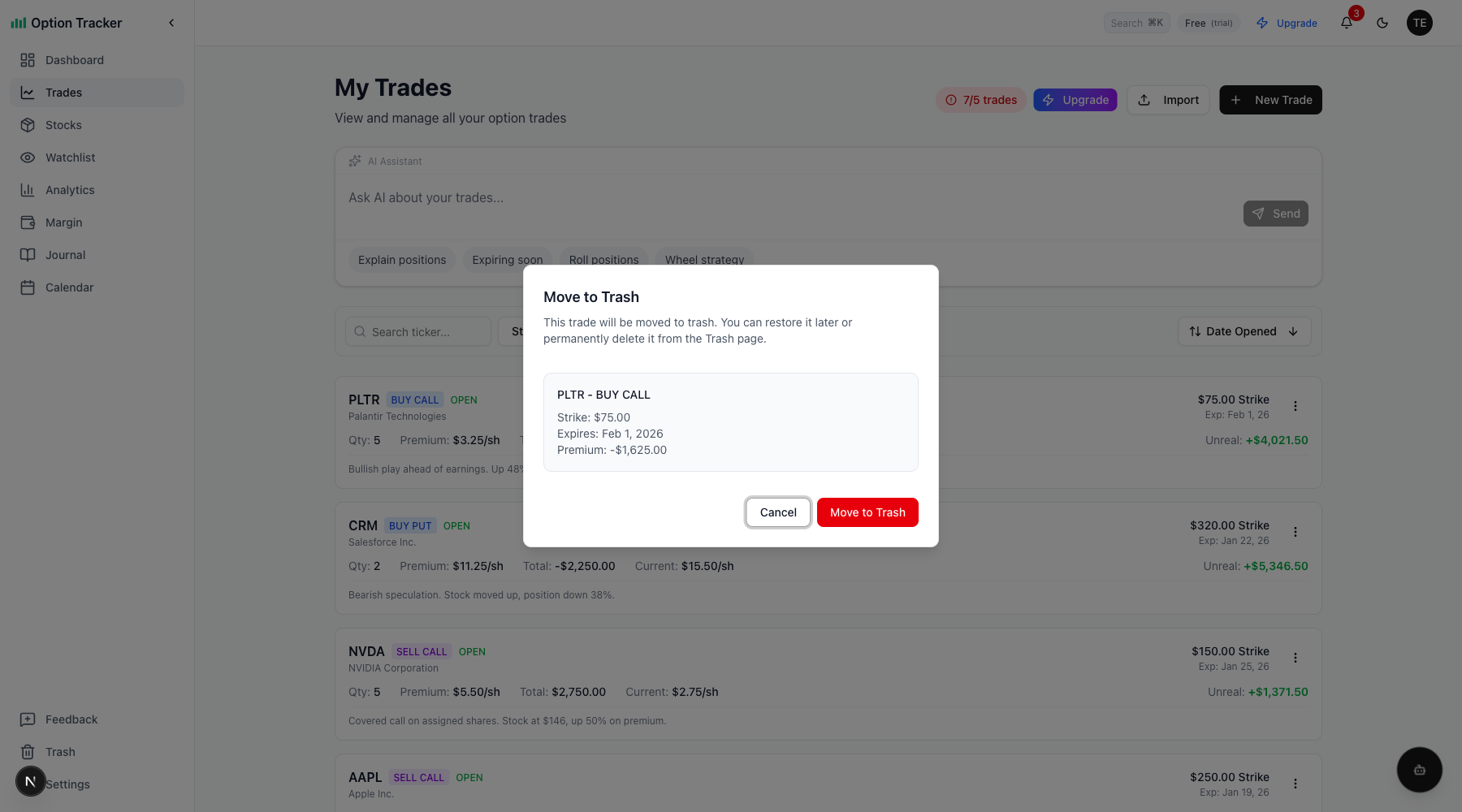
The dialog shows the trade details and confirms you want to move it to trash.
Accessing the Trash
Find the Trash page in the sidebar navigation, located between "Feedback" and "Settings".
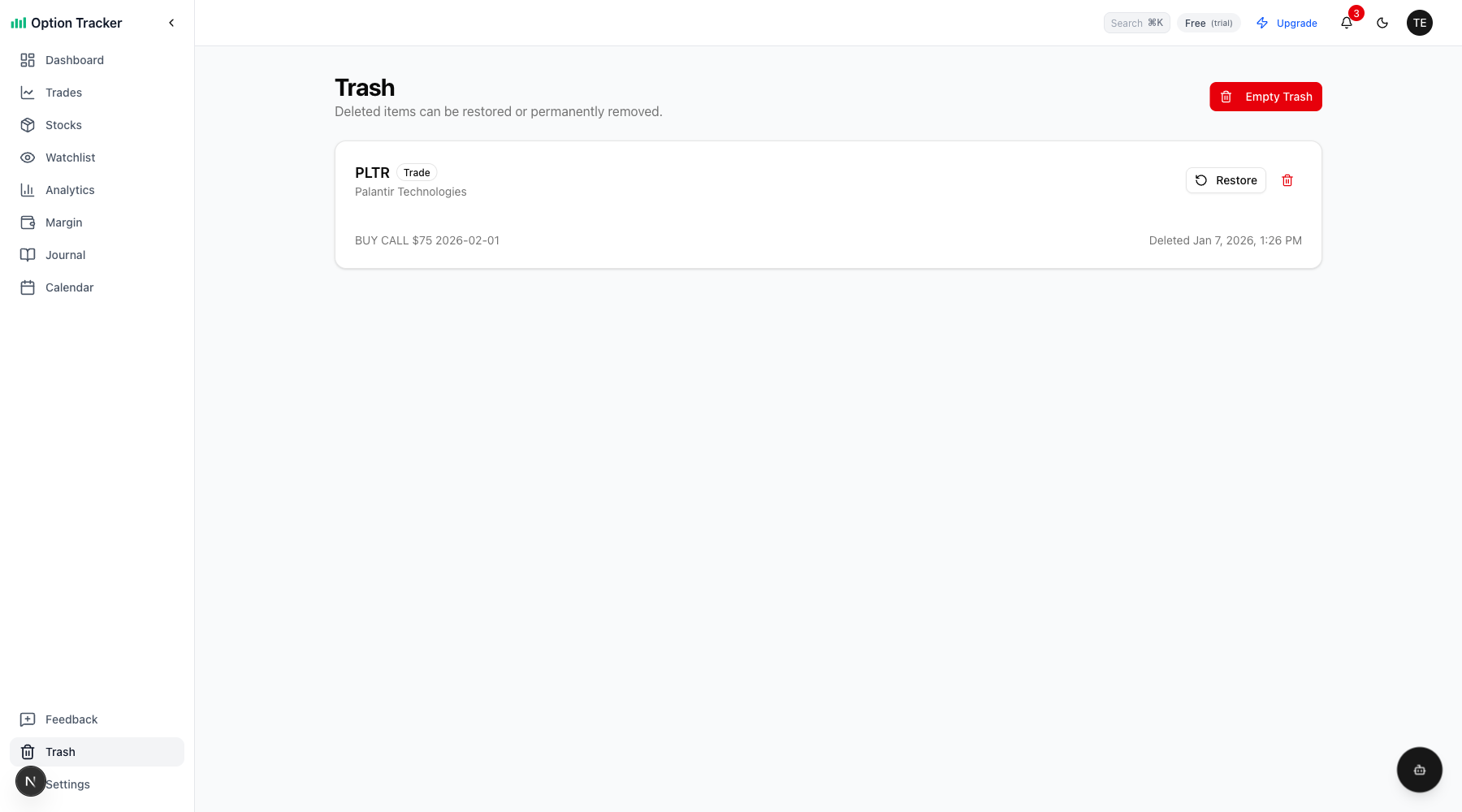
The Trash page shows all deleted items with options to restore or permanently delete each one.
Restoring Items
To restore a deleted item:
- Navigate to the Trash page from the sidebar
- Find the item you want to restore
- Click the Restore button next to it
- The item will reappear in your Trades or Stocks list
Permanently Deleting Items
You have two options for permanent deletion:
Delete Individual Items
- In the Trash, click the trash icon button next to an item
- Confirm the permanent deletion in the dialog
- This action cannot be undone
Empty All Trash
- Click the Empty Trash button at the top of the Trash page
- Confirm you want to permanently delete all items
- All trashed trades and stock positions will be permanently removed
What Gets Trashed
The trash system applies to:
- Option Trades: All trade types (calls, puts, buys, sells)
- Stock Positions: Both assigned and manually created positions
Data Safety
- Trashed items remain in the database with a
deleted_attimestamp - They're completely excluded from all queries, calculations, and exports
- Only permanent deletion removes them from the database entirely
Tips
- Check the trash before emptying it if you've made bulk deletions
- The trash shows when each item was deleted, helping you identify recent deletions
- Restoring an item returns it exactly as it was before deletion